SECTION 01
The Bottom Line: Stitch Works When You Treat It as an Ideation-Only Tool
I took Google's AI design tool Stitch for a hands-on test. The verdict: for standalone web page generation, there's no decisive gap between Stitch and what you'd get by prompting Claude or GPT.
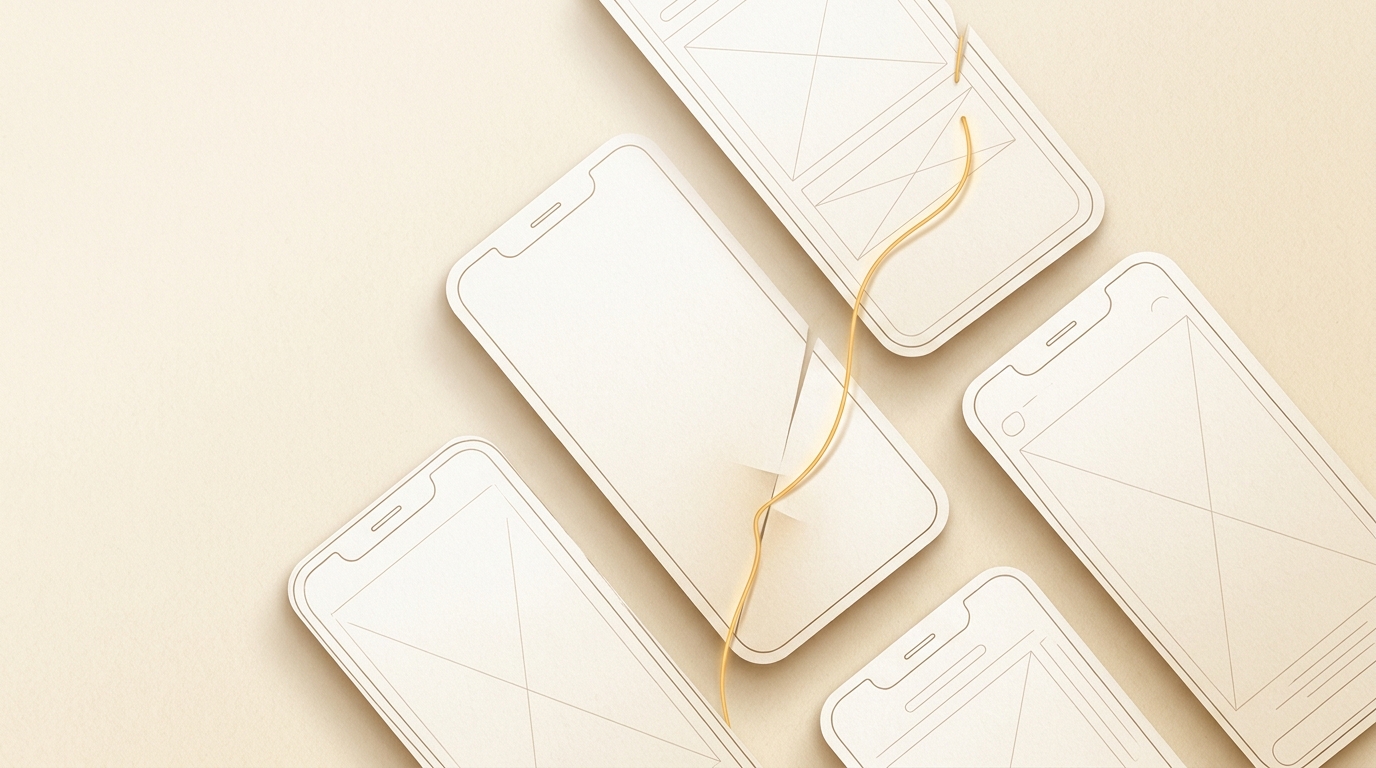
On the other hand, it has a clear advantage in mobile app mockup creation, where it can handle multiple screens at once. With mobile apps, you can review multiple screen concepts and screen flows together, letting you see the big picture and decide on direction while surveying the entire app.
It's easy to try out right now, so the real value comes from using it not as a production tool, but for ideation and direction-setting. The key is to set your expectations at "exploration and brainstorming" rather than "finished product."
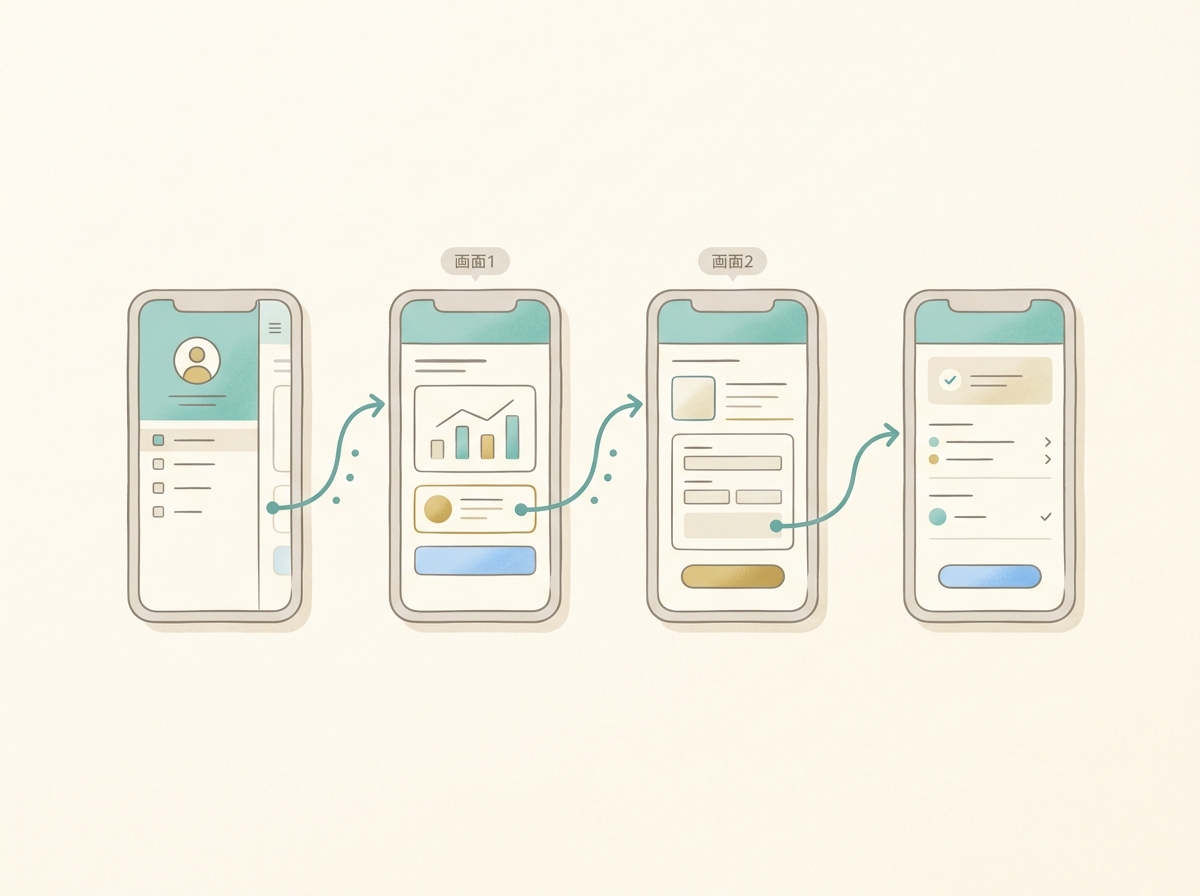
In this article, I'll walk through the strengths and limitations I experienced firsthand. I'll cover which scenarios make it worth using, and dig into the fundamental challenges facing AI design tools.
SECTION 02
Who Would Actually Benefit from Using Stitch?
This isn't a universally useful tool. It delivers value for people who can accept its specific use case.
Specifically, it's a good fit for:
- People who want to see multiple screen patterns quickly for an app
- Solo developers who want to roughly visualize the big picture before implementation
- People who can treat it as a mockup creation tool, not a finished web design tool
Conversely, it's not suited for pixel-level adjustments or achieving a polished result that reflects a brand's identity. The realistic approach is to use it as an early-stage idea visualization tool.
In my own development flow, I follow this sequence: "brainstorming → mockup → pre-validation on social media → full development." How fast I can produce that initial mockup directly impacts my decision-making speed downstream.
In that context, Stitch fits as a "brainstorming partner." As long as you don't expect a finished product, it serves its role well.
SECTION 03
What I Actually Liked About It
The most impressive thing was being able to review multiple mobile app screens together. Home screen, settings screen, detail screen — the concepts all appear at once, so you can grasp the entire app flow in one go.
Being able to lay out and compare multiple patterns side by side is also a huge help. Decisions like "Does this direction work?" or "Is this layout clearer?" move far faster than trying to reason through words alone.
I've had a past experience building a mobile app base in a short period using a certain app development tool, and Stitch gave me a similar feeling. When multiple screens come out together, it boosts motivation during the ideation phase.
Another advantage is how easy it is to try things out. You can quickly turn an idea into a screen and evaluate it — there's a lightness of "let's just see what it looks like."
Here's a summary of the positives:
- Makes it easy to review multiple screen concepts together for mobile apps
- Facilitates side-by-side comparison of multiple patterns
- Easy to try out, which speeds up the brainstorming process
SECTION 04
Where I Felt the Limitations
For standalone web page generation, honestly, existing generative AI felt sufficient in most cases. Compared to what I'd get by writing prompts in Claude or GPT, I couldn't find a scenario where "only Stitch would do."
In my personal development flow, I've settled on a method of coding directly with TailwindCSS and AI to handle design along the way. I only use Figma as a supplementary tool for logo and screenshot assets. Given that workflow, there's little motivation to switch to a web-specific design tool in the first place.
My honest impression is that Stitch's unique differentiator isn't clear yet. At this stage, the differentiation from other AI tools remains vague.
Another thing I noticed was the difficulty of fine-tuning layouts. Verbalizing things like "tighten up the spacing here a bit" turned out to be harder than expected — the more visual the micro-adjustment, the worse the fit with language-based instructions.
Here's a summary of the limitations:
- For standalone web pages, existing AI can do the job
- Stitch's unique strengths are still unclear
- Fine-tuning nuances hits a wall with the difficulty of verbalization
SECTION 05
Why AI Design Is Still So Hard
Let's step back and think about this. The fundamental reason AI-driven design is hard isn't just tool accuracy. It's that we're not passing enough context — the purpose, target audience, and background — to the AI.
Human designers use discovery sessions to clarify who the message is for and what it should convey. They build their designs on a holistic judgment that includes social context and historical background.
Current AI tools are beginning to develop mechanisms for receiving context, but they haven't reached the depth that human designers can handle.
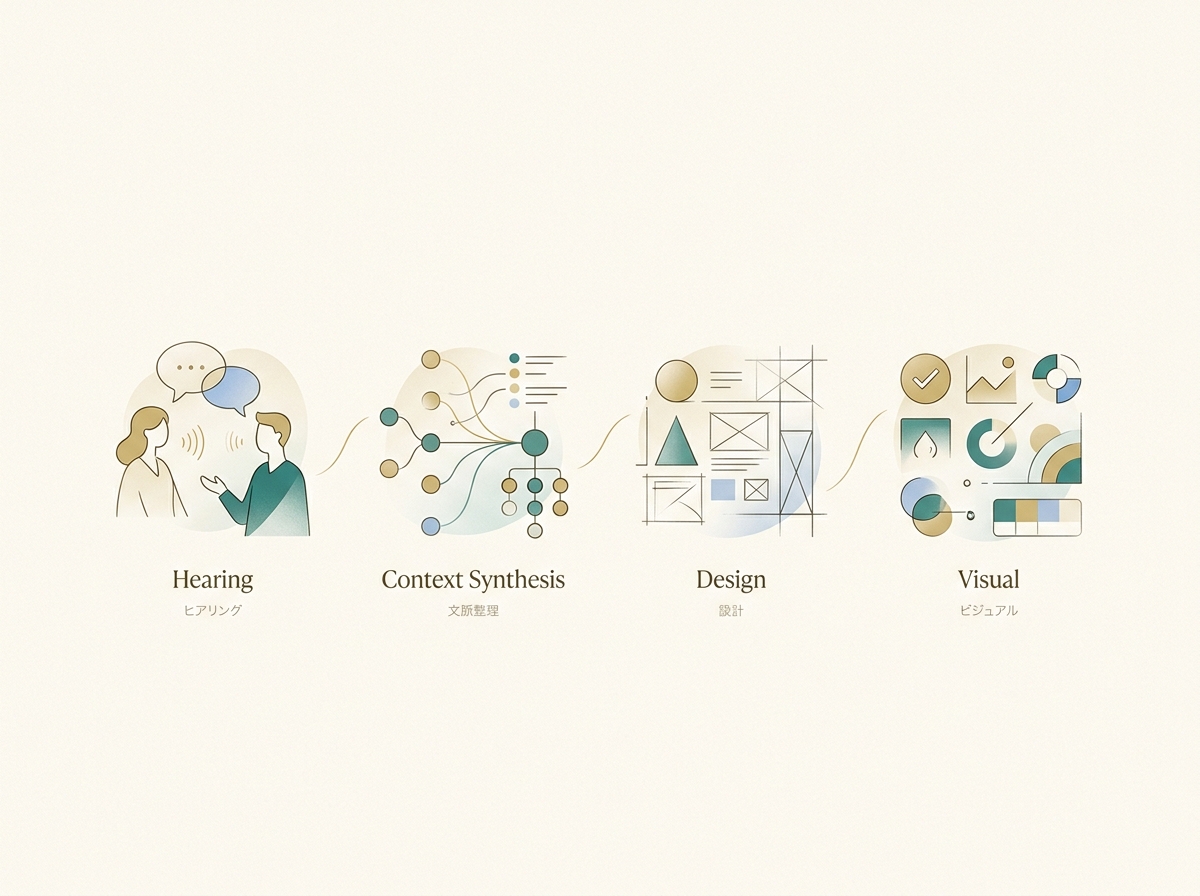
As a result, when you have the AI generate screens without sufficient context, the output tends to converge on similar-looking UI regardless of which tool you use. This isn't limited to Stitch — it's a challenge that applies to AI design tools across the board.
In other words, the problem isn't "which tool is better" — it lies upstream in "how to pass context to the AI." What you communicate matters more than which tool you choose.
SECTION 06
How Does It Fit into a Solo Dev Workflow?
Based on my experience so far, let me consider where Stitch fits in my development flow. My usual process goes: "brainstorming → mockup → pre-validation on social media → full development."
In this flow, Stitch is better suited as a tool for creating mockups quickly rather than as a production design tool. The idea is to use it in the phase where you visualize the app's big picture early and validate direction.
I've had the experience of "spending months building something, only to find it fell flat once released." Since then, I've made it a practice to get full screens moving and validated as early as possible.
If the goal is to generate and test multiple patterns during that brainstorming phase, having an easy-to-try tool is a real plus. There's room to incorporate it into a development flow as a tool for creating decision-making material, not finished products.
Here's how it maps to my flow:
- Brainstorming: Organize direction with ChatGPT or Claude
- Mockup: Quickly visualize multiple app screen concepts with Stitch
- Pre-validation: Check reactions on social media to confirm demand
- Full development: Build and finalize design with TailwindCSS + AI
SECTION 07
What Exactly Is the "Context" We Can't Pass to AI?
I touched on context earlier, but let me dig deeper. What specifically is the context we still can't adequately pass to AI?
For example, when commissioning a human designer for a website, the following exchanges happen:
- Who is this service aimed at?
- How do you want to differentiate from competitors?
- What should the brand's tone and feel be?
- What do you want users to feel when they first see it?
These aren't "visual specifications" — they're the very criteria for design decisions. Current AI tools are gradually developing ways to input this kind of information, but they haven't yet reached the level where they can deeply understand context and reflect it in their decisions the way human designers do.
That's why even if you prompt "a stylish landing page," the tool gravitates toward average designs — because "stylish for whom" isn't communicated well enough.
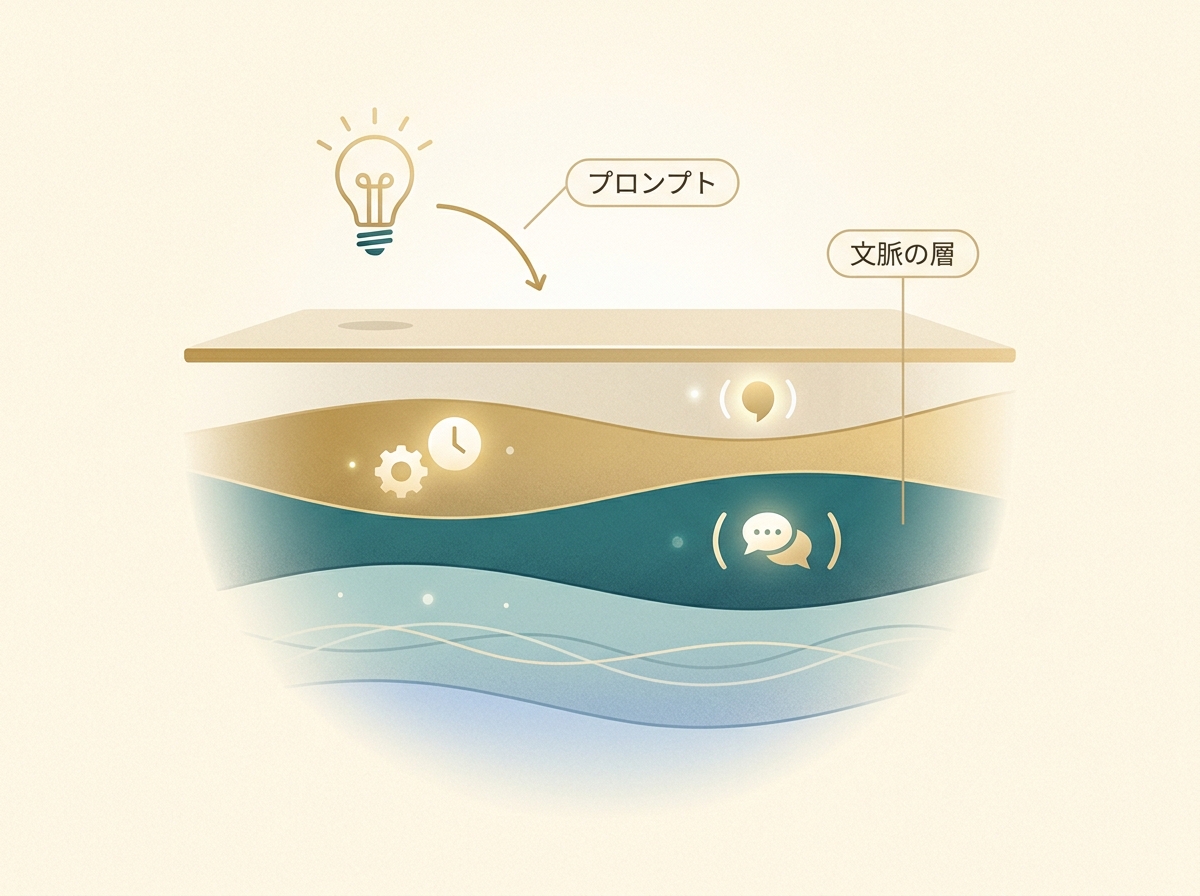
As long as this structural gap exists, you'll hit the same wall no matter which AI design tool you use. This isn't a Stitch-specific problem — it's a bottleneck for the entire industry.
SECTION 08
Where Could Stitch Become a Game-Changer?
Flip the perspective, and if a tool breaks through that wall, everything changes. When AI can conduct discovery on purpose and target audience, organize that information, and then translate it into design — the user experience will be completely different.
There's a massive gap in user satisfaction between stopping at "screen generation from prompts" and advancing to "supporting everything from context mapping to design." An AI that can explain why it made a particular design choice is still in its early stages.
This evolution would benefit solo developers without a designer and small teams the most. When you can't afford to outsource design and have to make judgment calls yourself, an AI that helps organize context becomes a powerful ally.
Google has already started evolving Stitch in that direction, but it's still a work in progress. I feel it's worth following closely as it develops. At the very least, it's too early to form a final verdict at this stage.
SECTION 09
Your Expectations Determine Your Verdict
This applies to AI design tools in general: where you set your expectations completely changes your assessment. If you expect "production-quality design in one shot," you'll almost certainly be disappointed.
But if your goal is to "quickly turn ideas into screens and validate them," it's genuinely useful. Generate multiple patterns, compare them, and narrow down the direction. Just accelerating that part of the process improves overall development efficiency.
This expectation reset isn't unique to Stitch — it matters for AI tools across the board. Here's a clear way to frame it:
- Expectations set too high: A finished product comes out; AI handles all the fine-tuning
- Realistic expectations: Ideation speed increases; you can compare multiple directions
- What to let go of for now: Brand-aware polish; nuanced micro-adjustments
With this framing in place, Stitch becomes a solid partner for the ideation phase. Eliminate the expectation mismatch, and most of the frustration disappears.
SECTION 10
So How Should We Rate Google Stitch Right Now?
To wrap up, here's my assessment of Stitch as it stands today. As a tool for creating finished products, it's still weak. For standalone web page generation, there's no gap with existing AI, and a unique must-have advantage for Stitch hasn't emerged yet.
However, as a tool for creating mockups at high speed, it has genuine utility. The ability to review multiple mobile app screen concepts together is a major advantage during the ideation phase.
If you set your expectations at "exploration and ideation" rather than "production quality," it's quite practical. It's easy to try, so I'd recommend testing whether it fits your own workflow.
AI design tools are still in their early innings. When the mechanisms for passing deep context mature, this entire space — Stitch included — could transform dramatically. For now, I see this as the phase of "limiting your use case and getting value from it."
Don't chase perfection — use it with clear boundaries. That's the right way to work with AI design tools today.