SECTION 01
The Verdict First: Stitch Works If You Treat It as an Ideation-Only Tool
I took Google's AI design tool Stitch for a hands-on test. The bottom line: for standalone web page generation, there's no decisive difference from what you'd get by prompting Claude or GPT.
Here's a video of me actually using it.
On the other hand, smartphone app mockup creation has a clear advantage—you can work with multiple screens at once. With mobile apps, it's easy to review multiple screen concepts and navigation flows together, letting you see the big picture while deciding on direction.
It's easy to try out right now, so rather than using it as a production tool, it delivers the most value for ideation and direction-setting. The key is setting your expectations at "exploration and brainstorming" rather than "finished product."
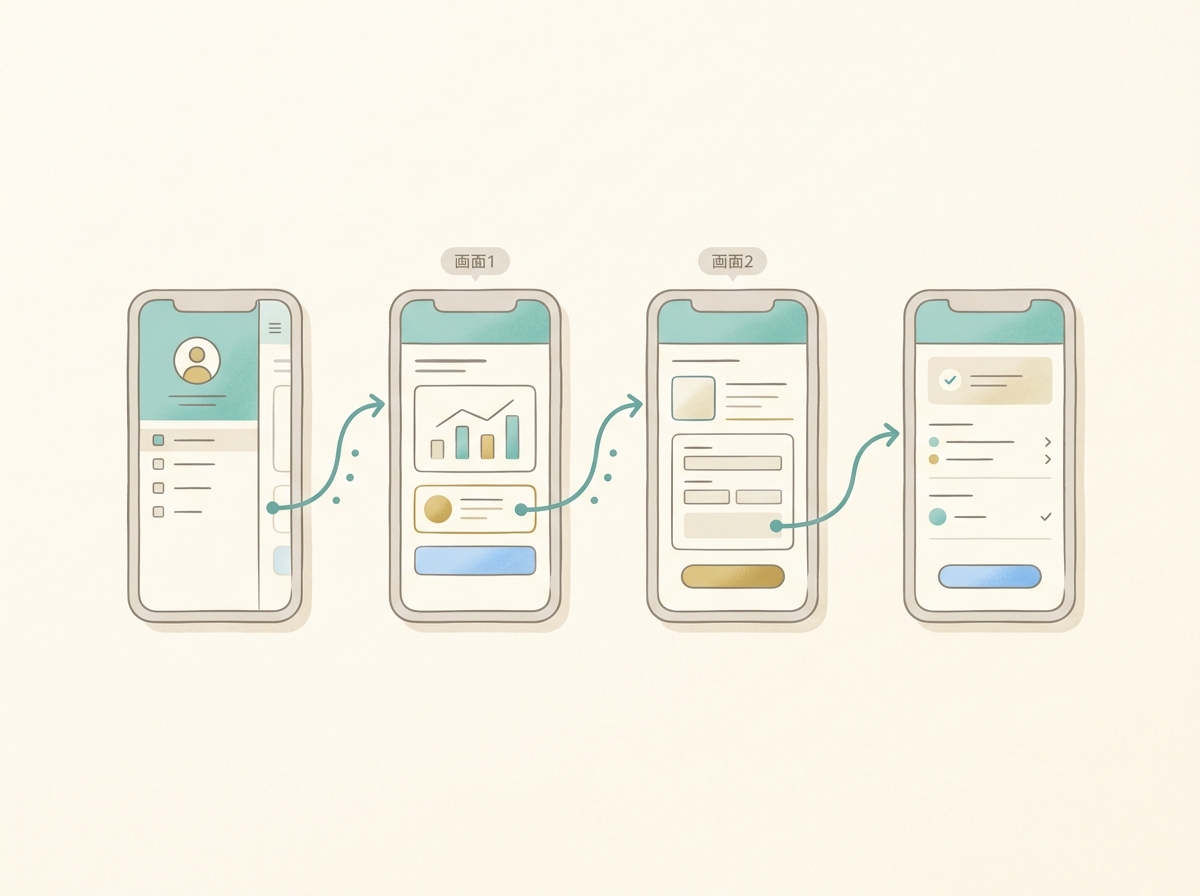
In this article, I'll break down the strengths and limitations I found through actual use. I'll cover what scenarios make it worth using, and dig into the fundamental challenges of AI design tools.
SECTION 02
Who Would Actually Benefit from Using Stitch
This isn't a universally useful tool. It delivers value for people who can accept it for a specific purpose.
Specifically, it's a good fit for the following people.
- People who want to see multiple pattern variations of app screens quickly
- Solo developers who want to roughly visualize the big picture before implementation
- People who can treat it as a mockup creation tool, not a finished web design tool
Conversely, it's not suited for pixel-level adjustments or deliverables that need to reflect a brand's identity. Realistically, it works best as an early-stage idea visualization tool.
In my own dev workflow, I follow this sequence: "brainstorming → mockups → validating demand on social media → full development." How fast I can get through the initial mockup phase directly impacts the speed of every decision that follows.
In that context, Stitch fits as a "brainstorming partner." As long as you don't expect a finished product, it fulfills its role well enough.
SECTION 03
What I Liked After Actually Using It
The most impressive thing was being able to review multiple smartphone app screens at once. Home screen, settings screen, detail screen—all the concepts appear side by side, so you can grasp the entire app flow at a glance.
Being able to line up multiple patterns for comparison is also a big help. Decisions like "how about this direction?" or "is this layout clearer?" move dramatically faster than trying to reason through words alone.
I once built a smartphone app base in a short period using a certain app development tool, and this gave me a similar feeling. When multiple screens come out together, it really boosts motivation during the ideation phase.
Another advantage is how easy it is to just try things. You can instantly turn an idea into a screen and evaluate it—there's a lightness of "let's just see how it looks."
Here's a summary of the positives.
- Smartphone apps are easy to review as multi-screen concepts at once
- Easy to compare and evaluate multiple patterns
- Low barrier to trying things out, which speeds up initial brainstorming
SECTION 04
Where I Felt the Limitations
For standalone web page generation, honestly, existing AI tools felt sufficient in most cases. Compared to what you get from prompting Claude or GPT, I couldn't find a scenario where "only Stitch could do this."
In my solo dev workflow, I've settled into a process of coding directly with TailwindCSS and AI to handle design as I build. I only use Figma as a supplementary tool for logos and screenshot assets. Given that flow, there's inherently little motivation to switch to a web-specific design tool.
My honest take is that the "unique advantages that only Stitch provides" aren't clear yet. The differentiation from other AI tools feels vague at this stage.
Another thing I noticed was the difficulty of fine-tuning layouts. Verbalizing things like "tighten up this margin a bit" turned out to be harder than expected—the more visual the micro-adjustment, the worse it pairs with language.
Here's a summary of the limitations.
- For standalone web pages, existing AI tools can substitute
- Stitch's unique strengths are still unclear
- Fine-tuning nuances hits a verbalization barrier
SECTION 05
Why AI Design Is Still So Hard
Let's step back and think about this. The fundamental reason it's hard to have AI do design isn't just tool accuracy. It's that we can't sufficiently convey the context—purpose, target audience, and background.
Human designers use interviews to organize who the message is for and what it should communicate. They build designs based on holistic judgment that includes social context and historical background.
Current AI tools are starting to develop mechanisms for receiving context, but they haven't reached the depth that human designers can handle.
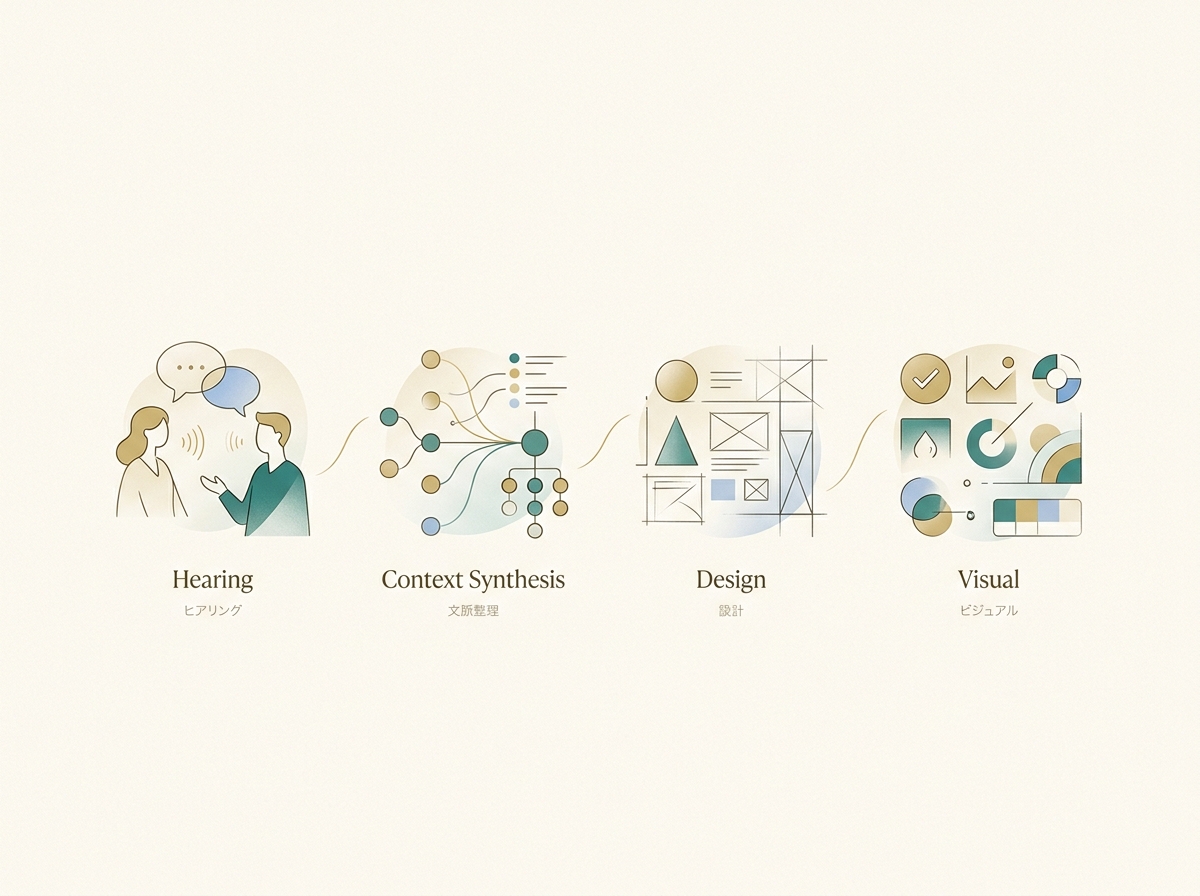
As a result, when you have AI generate screens without sufficient context, the output tends to converge on similar-looking UI regardless of which tool you use. This isn't a Stitch-specific issue—it's a challenge that applies to AI design tools across the board.
In other words, the problem isn't "which tool is better" but lies upstream in "how to convey context." What you communicate matters more than which tool you choose.
SECTION 06
How It Fits Into a Solo Dev Workflow
Based on my experience so far, let me consider where Stitch fits within my development workflow. I typically follow this sequence: "brainstorming → mockups → validating demand on social media → full development."
In this flow, Stitch isn't suited as a production design tool—it's better for the role of creating mockups quickly. The idea is to use it in the phase where you visualize the app's big picture early and confirm the direction.
I've had the experience of "spending months building something, only to open it up and find it underwhelming." Since then, I make a point to get full screens moving and review them as early as possible.
If you're going to generate and test multiple patterns at that brainstorming stage, having a low-barrier tool is a real benefit. There's room to incorporate it into a dev workflow as a tool for creating decision-making material, not finished products.
Here's how it maps to my workflow.
- Brainstorming: Organize direction with ChatGPT or Claude
- Mockups: Quickly visualize multiple app screen concepts with Stitch
- Pre-validation: Check demand by gauging reactions on social media
- Full development: Build and finalize design with TailwindCSS + AI
SECTION 07
What "Context" We Still Can't Give to AI
I touched on context earlier, but let me dig deeper. What exactly is the context we still can't adequately convey to AI?
For example, when commissioning a human designer for a website, conversations like these take place.
- Who is this service for
- How do you want to differentiate from competitors
- What should the brand's tone and atmosphere be
- What should users feel when they first see it
These aren't "visual specifications"—they're the very criteria for design decisions. Current AI tools are gradually developing ways to input this kind of information, but they haven't yet reached the level where they can deeply understand context and reflect it in decisions like human designers do.
So even when you prompt "a stylish landing page," as long as "stylish for whom" isn't sufficiently communicated, the tool will gravitate toward average designs.
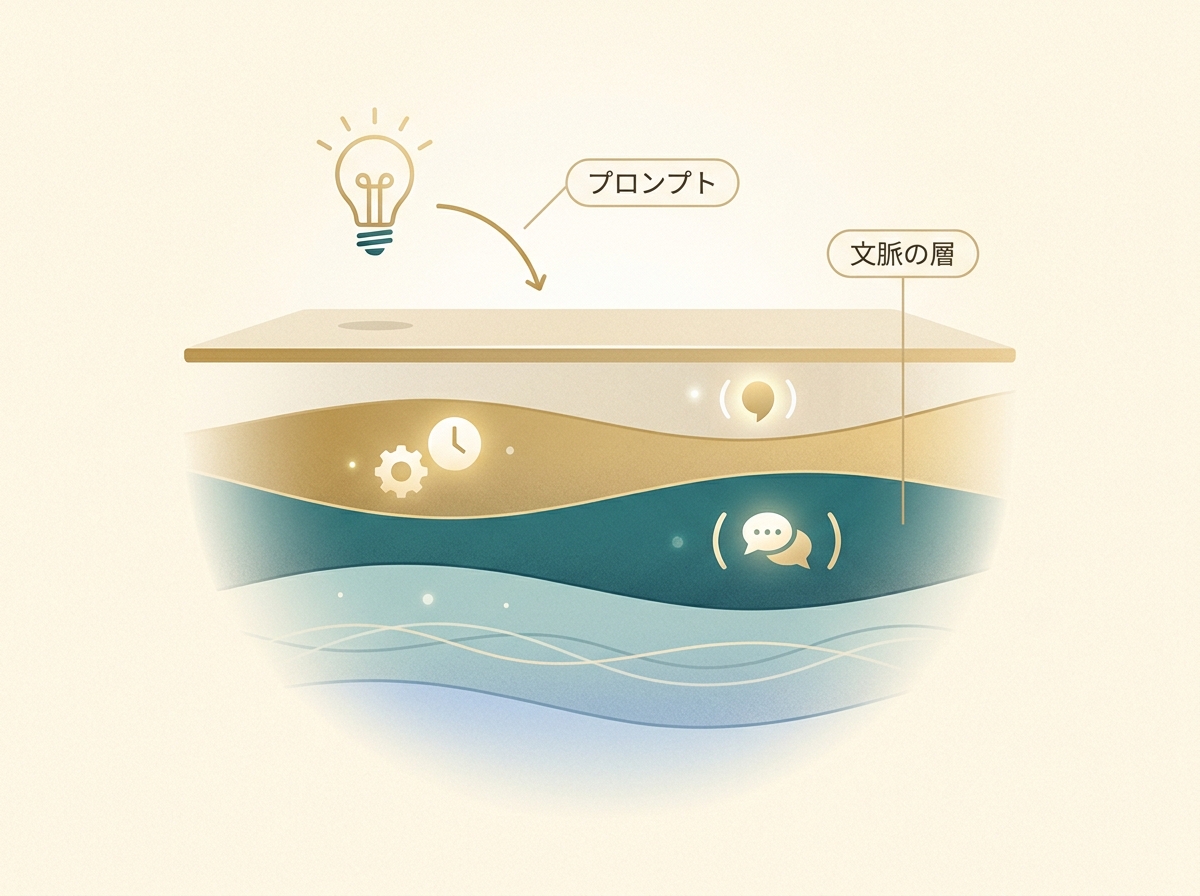
As long as this structural gap exists, you'll hit the same wall no matter which AI design tool you use. This isn't a Stitch-only problem—it's a bottleneck for the entire industry.
SECTION 08
Where Stitch Could Become a Game-Changer
Flip that around, and if a tool breaks through that wall, everything changes. When AI can interview you about objectives and target audiences, organize that information, and translate it into design—the experience will be completely different.
There's a huge gap in user satisfaction between the stage of "generating screens from prompts" and the stage of "supporting the entire process from context organization to design." An AI that can explain why it made specific design choices is still in its infancy.
Solo developers without a designer and small teams stand to benefit most from that evolution. When you can't afford to outsource design and have to make decisions yourself, an AI that organizes context for you becomes a powerful ally.
Google has already started evolving Stitch in that direction, but it's still early days. I feel it's worth following closely to see how it develops. At the very least, it's too early to lock in a final judgment at this stage.
SECTION 09
Your Expectations Determine Your Verdict
This applies to AI design tools in general: where you set your expectations completely changes your evaluation. If you go in expecting "production-quality design in one shot," you'll almost certainly be disappointed.
But if your goal is to "quickly turn ideas into screens and test them," it's genuinely useful. Generate multiple patterns, compare them, narrow down the direction. Just accelerating that part of the process improves overall development efficiency.
This expectation reset is important not just for Stitch but for AI tools in general. Here's a clear way to frame it.
- Expectations set too high: A finished product comes out, fine adjustments can be left entirely to AI
- Realistic expectations: Ideation speed increases, multiple directions can be compared
- What to give up for now: Brand-contextual finishes, nuanced micro-adjustments
With this framework in place, Stitch becomes a solid partner for the ideation phase. As long as there's no expectation mismatch, frustration drops significantly.
SECTION 10
So How Do I Rate Google Stitch Right Now
Finally, here's my assessment of Stitch as it stands today. As a tool for creating finished products, it's still weak. For standalone web page generation, there's no gap with existing AI, and Stitch's indispensable unique strengths haven't surfaced yet.
However, as a tool for rapidly creating mockups, it's plenty useful. The ability to review multiple smartphone app screen concepts at once is a major advantage during the ideation stage.
If you set your expectations at "exploration and ideation" rather than "production quality," it's quite practical. It's easy to try, so I'd recommend just testing whether it fits your workflow.
The evolution of AI design tools is still in its early stages. When the mechanisms for conveying deep context mature, this entire space—including Stitch—has the potential for dramatic change. For now, I see it as the phase of "limiting your use case and making the most of it."
Don't demand perfection—use it with clear boundaries. That's the right way to work with AI design tools today.