
SECTION 01
Terminology: How Agent, Composer, and Models Relate
First, let's clarify the terminology. As of 2026-04-10, Cursor refers to the entire feature set where AI generates and modifies code as "Agent."
Meanwhile, Composer is the name of Cursor's in-house model family. It has been updated from Composer 1 → 1.5 → 2, with Composer 2, released on 2026-03-19, being the latest version.
In other words, the setup is "you choose and run models like Composer 2 inside the Agent execution environment." This article discusses the Agent's operational aspects and Composer's model capabilities separately.
SECTION 02
Verdict: Cursor Agent Is Production-Ready — If You Plan First
Cursor Agent is a tool that can absolutely hold its own in real work, provided you plan ahead. But the moment you toss it a vague "just build it" request, your codebase starts breaking in unexpected ways.
Through extensive trial and error, I've learned that handing off work without a plan is the most dangerous pattern. Vague instructions like "build a user registration feature" cause the AI to charge ahead without understanding the requirements, modifying unrelated files and dragging you into a swamp.
Now I've shifted to a workflow where I first have the AI draft an implementation plan, review it myself, then give the go-ahead. Whether or not you include this planning phase makes a dramatic difference in the stability of the final code.
Sorting out what Agent is good and bad at makes the decision much easier.
- Strengths: Generating new files from scratch, bulk implementation following documentation, building standard CRUD operations
- Weaknesses: Modifying existing code across multiple files, changing areas with implicit dependencies, large-scale refactoring
Ultimately, Agent's real-world value is determined by how well you prepare. Give it a plan with a narrowed scope and accuracy is high; hand it a blank check and accuracy is low. The bottleneck isn't the tool's capability — it's the resolution of your instructions.
SECTION 03
Agent's Real-World Performance: New Implementation vs. Existing Code Fixes
Agent's strengths shine brightest with new implementations where you bundle documentation and related files together. After I switched to creating one document per development project and feeding all related files at once, the improvement in accuracy was unmistakable.
Officially, Cursor promotes features like codebase indexing, sub-agent exploration, and plan generation. However, in my environment, explicitly attaching related files produced more stable results. Codebase indexing does help in some cases, but accuracy seems to vary depending on project structure and scale.
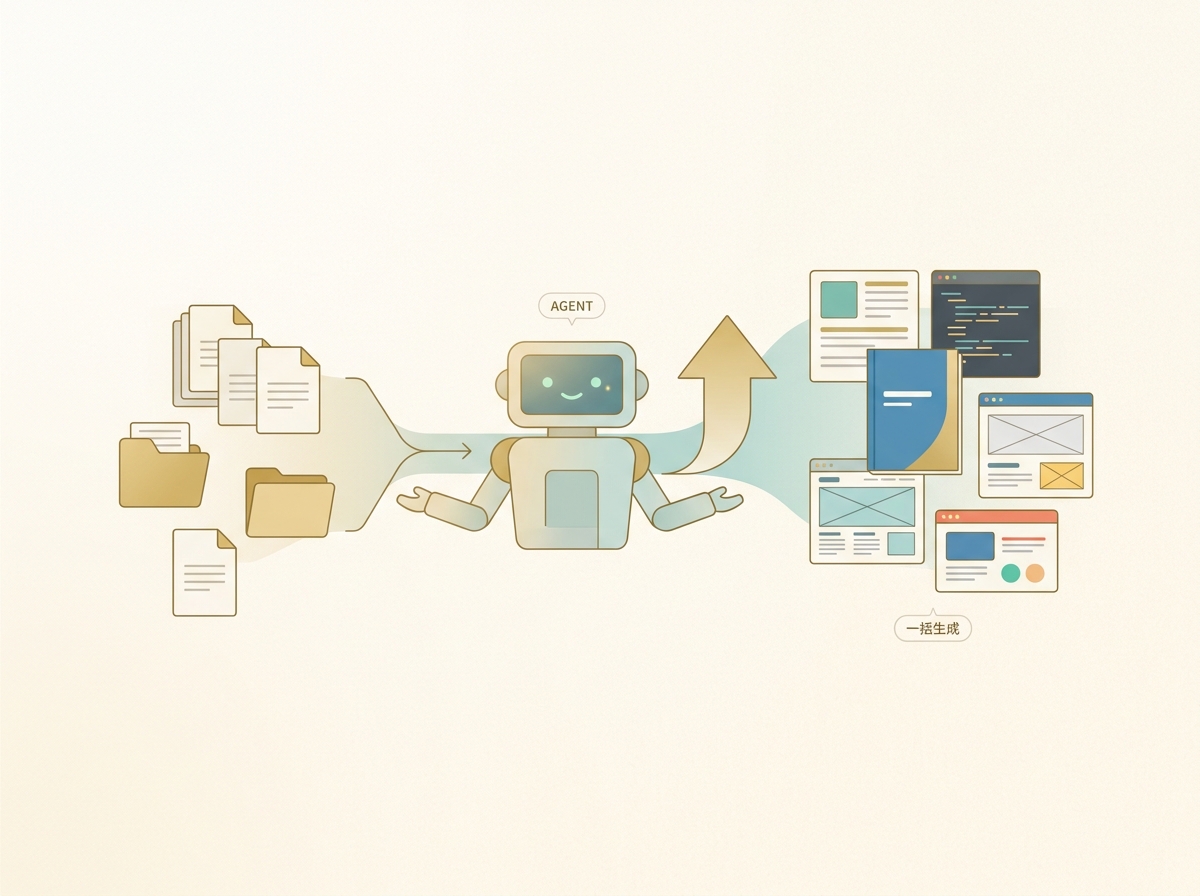
On the other hand, accuracy drops noticeably when modifying existing code. The patterns most likely to fail include:
- Changing state management across multiple files
- Modifying areas that depend on implicit naming conventions or design principles
- Keeping test code and production code in sync simultaneously
The key to succeeding with existing code modifications is to explicitly include not just the target files but also their dependencies and dependents in the context. Agent does have automatic related-file discovery, but in my experience, manually supplementing the context produced more stable results in many cases.
Just being conscious of the distinction between new and existing code work sets appropriate expectations for Agent and cuts down on wasted rework. Let Agent handle new implementations; for existing code modifications, carefully select and provide the files. This simple split makes a real difference in practice.
SECTION 04
Composer Model Generations and When to Use Each
Cursor's in-house model Composer has evolved through generations: 1 → 1.5 → 2. As of 2026-04-10, the latest is Composer 2, released on 2026-03-19.
Each generation has different characteristics, and choosing the right one for the task at hand is effective.
- Composer 1 / 1.5: Fast response times, ideal for light edits. They handle everyday tasks like variable renaming, adding boilerplate validation, and generating short utility functions at high speed
- Composer 2: Capable of more advanced code comprehension and generation. You can expect improved accuracy on complex implementation tasks and work requiring extensive context
When you look back at daily development work, most of it is actually an accumulation of "small fixes."
- Renaming variables and method names
- Adding boilerplate validation
- Cleaning up comments and adjusting formatting
- Generating short utility functions
The real value of Composer's lightweight models is their ability to blast through these light tasks at speed. Heavy implementation tasks aren't the only metric for evaluating an AI editor.
The fact that Cursor has its own models is a long-term advantage in not being dependent on any single model provider. An independent path that isn't swayed by external model API limits or plan changes is a sensible way to diversify risk.
SECTION 05
What Switching to Windsurf Revealed About Agent's Limits
When I compared the Cursor I was using at the time (based on Composer 1) with Windsurf on a project centered on maintaining and modifying existing code, I found that Windsurf produced more stable results in my environment. The deciding factors were its codebase-wide search capability and thoroughness of pre-work investigation.
Windsurf tends to survey the entire project before diving into modifications. This "pre-investigation phase" was lacking in the Cursor of that time, and that gap showed up as a difference in failure rates when modifying existing code.
Here are the differences I noticed in my environment:
- Codebase-wide search: Windsurf was more accurate at discovering related files
- Depth of pre-investigation: It tended to map out the impact of changes before acting
- Fewer failures: Accidents involving unrelated files were noticeably reduced
However, this is the result I experienced on a specific project with a specific version. Officially, both Cursor and Windsurf promote codebase understanding and exploration features, and results will vary depending on model generation, IDE version, project scale, language, and prompting approach.

Also, Cursor has since released Composer 2, so the comparison from that time may not directly apply to the current version. The speed of new implementations and the snappiness of Composer's lightweight models are appeals that Windsurf doesn't have. Rather than asking which is "better," the practical approach is to judge which tool suits which task.
SECTION 06
What You Keep and What You Lose When Switching
When considering a move from Cursor to Windsurf, the biggest concern is how much of your existing settings and extensions carry over.
Both are based on VS Code, but Windsurf uses an Open VSX-based marketplace. As a result, extensions exclusive to the VS Code Marketplace or certain proprietary extensions may not be compatible.
Here's a breakdown of what transfers easily and what needs attention:
- Easy to transfer: VS Code OSS / Open VSX-published extensions, basic keybindings, theme settings
- Potentially incompatible: VS Code Marketplace-exclusive extensions, third-party AI extensions, some proprietary extensions
- Requires reconfiguration: AI-related custom settings, custom rules, project-specific instruction files
- May be lost: Dependencies on Cursor-exclusive features (Composer models, Cursor-specific UI features)
The psychological barrier to switching often comes less from AI performance differences and more from the fear that "my current setup might break." In reality, most extensions work fine, but checking the Open VSX availability of your key extensions beforehand makes the transition smoother.
Watch out for shortcut key conflicts too. Cursor and Windsurf sometimes assign different AI features to the same key, so your fingers will stumble for the first few days.
One more important point: you don't have to fully commit to switching. Keeping both installed and switching between them based on the task is more practical. Think of the move not as "relocating" but as "adding a room."
SECTION 07
The Practical Approach: Switch Tools Based on Task Weight and Energy Level
The optimal real-world strategy is to switch tools based on task weight and how much focus you have left. Trying to do everything with one tool will inevitably hit inefficiencies.
During the day when your mind is sharp, it's most efficient to work in Cursor or Windsurf, giving detailed instructions and verifying as you go. The style of understanding code intent while dialoguing with AI yields the best results when you have the focus for it.
When fatigue sets in toward evening, handing off to a more autonomous agent tool is an effective shift. When your capacity for decision-making is depleted, a higher degree of AI autonomy keeps work moving forward.
However, beware the trap of costs exploding on long file edits. The larger the file, the more tokens consumed, and costs can add up faster than expected. These guidelines help:
- Target is a few hundred lines or less → Handle directly with Agent or Windsurf
- Target is a large file → Have the AI generate just the fix proposal, then apply it with a different tool
- Repeated iterations needed → Use Composer's lightweight model for fast cycles
This approach isn't a rigid rule but something you adjust flexibly based on your current state. Deciding "which tool am I starting with today" each morning also reduces the decision cost of switching later.
SECTION 08
The Reality of a Market Where the Best Choice Changes Every Few Months
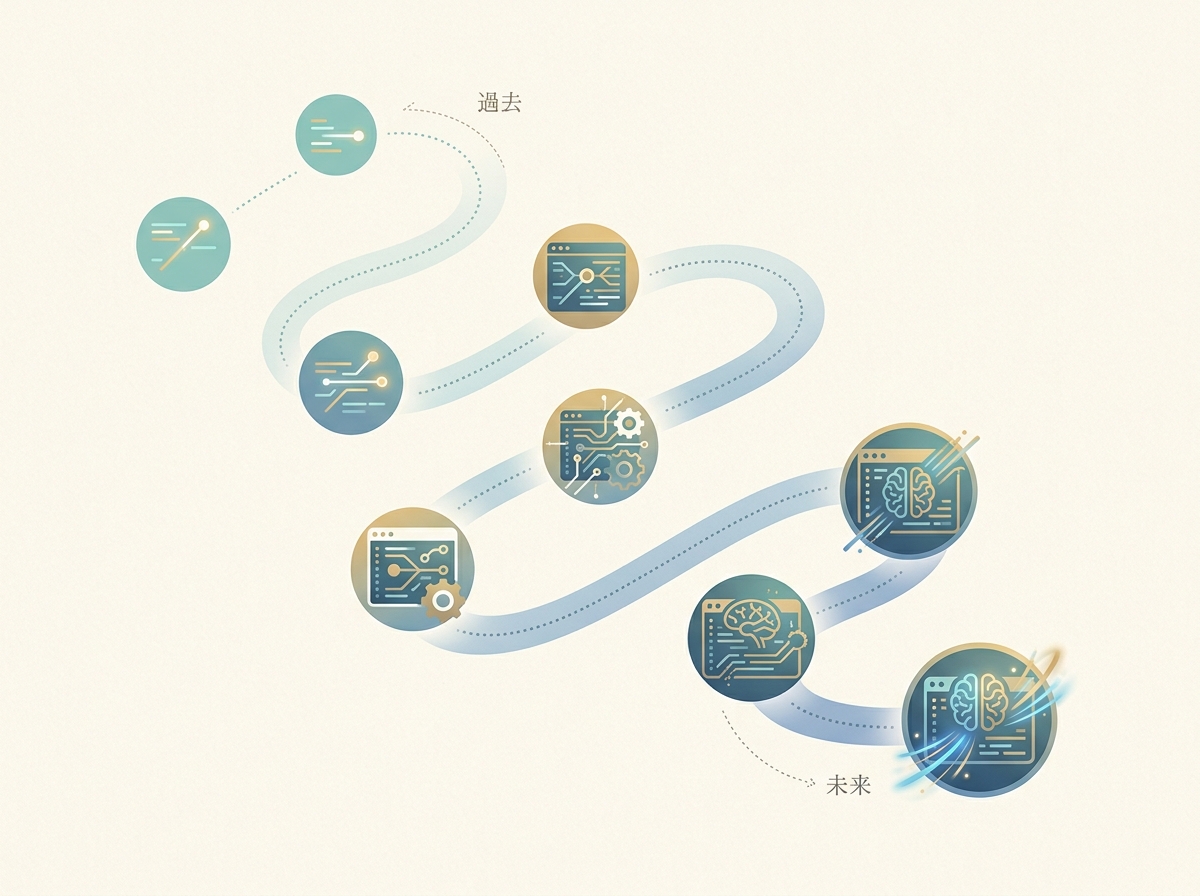
The AI editor market is a world where the competitive landscape shifts every few months. It's not unusual for a decision you were confident about to be overturned by the next update.
Having built over 40 products, I can say that it's better not to seek a perfect answer in tool selection. Any one of Cursor, Windsurf, or Cline is enough to get the job done. What matters isn't committing to one tool but having the judgment to switch when needed.
Looking back at actual changes that happened, the pace becomes tangible:
- The arrival of Agent (formerly the Composer feature) established the style of "having AI generate everything at once"
- New models strengthened Windsurf's pre-investigation, and my primary tool shifted
- Google announced Antigravity, a new AI code editor, stirring the market further
Regarding Antigravity, reports suggest that some Windsurf founding members joined Google DeepMind, but this connection is primarily based on secondary reporting.
In the face of such changes, going all-in on a single tool is risky. Keep a main tool, but build the habit of trying alternatives every six months so you don't fall behind.
At the end of the day, the only criterion that matters is whether it fits your current project and development style. Don't rely on other people's recommendations or comparison charts — value the process of trying tools yourself and making your own judgment.
SECTION 09
Where the Experience Diverges Between Free and Paid Tiers
Both Cursor and Windsurf offer free tiers, but the experience you get for free versus what you get with a paid plan for serious use is worlds apart. Judging a tool as "unusable" based on the free tier alone is premature.
Here's what you can and can't evaluate on each tier:
- Assessable on the free tier: UI feel, basic code completion quality, extension compatibility
- Only assessable on paid: Extended sessions with high-performance models, large-scale Agent generation, full agent feature utilization
For hobby personal projects, the free tier can handle a surprising amount of work. Building a small web app or script rarely bumps into the limits.
On the other hand, a paid plan is essential if you're using it heavily for work every day. When you hit the request cap on high-accuracy models, work grinds to a halt. A good rule of thumb for when to subscribe is "when you start using it daily."
Both editors frequently change their plan details, so always check the latest pricing page before subscribing. Information in comparison articles reflects the time they were written and is likely outdated within a few months.
SECTION 10
By Development Style: Who Cursor and Windsurf Are Each Best For
The final choice comes down to which tool matches your development style more closely. Compatibility with your work patterns matters more than raw tool performance.
Cursor is a better fit for developers who:
- Frequently do greenfield, zero-to-one development
- Write documentation first and then implement
- Primarily do fast, repetitive light edits
- Value the speed of Composer's lightweight models
Windsurf is a better fit for developers who:
- Spend most of their time maintaining and modifying existing code
- Work on large-scale projects with many files
- Want the AI to do thorough pre-investigation
- Want to minimize the risk of failures
For team development, there's no need for everyone to use the same tool. It's more rational for each person to use the tool they're best with, and ensure code quality through reviews. Standardizing the review process matters more than standardizing the tool.
For solo developers, I recommend starting by building one new project with Cursor Agent. If it feels right, stick with it for a while. When frustrations arise with existing code modifications, try Windsurf. This sequence is the most natural.
Regardless of which you choose, the fundamental principle of "plan first, then have the AI implement" doesn't change. Rather than spending too much time on tool selection, pick one, use it deeply, and master the plan-driven development workflow — that's the fastest path to real-world results.