
SECTION 01
Same Category of AI Coding Tools, but Different Origins and Strengths
You'll find plenty of articles comparing Claude Code and Cursor in terms of which one is "better," but these two tools have very different origins and primary strengths. While both use AI to write code, their starting points are fundamentally different.
Cursor is an editor-first, powerful AI IDE. It started with in-editor code completion and suggestions, but now includes Agent and CLI capabilities that can autonomously handle complex tasks.
Claude Code, on the other hand, is a CLI-native, agent-type tool. Its origin is autonomous task execution from the terminal, though it has since expanded to IDEs, desktop apps, and the web.
To put it simply, the differences break down like this:
- Editor-first (Cursor): The developer writes code in the editor while AI provides completions, suggestions, and fixes. Its Agent feature also enables autonomous execution
- CLI-native (Claude Code): The developer gives instructions in natural language, and AI autonomously chains together file operations, command execution, and testing. Also available from IDEs, desktop, and browsers
- Different strengths: Cursor excels at interactive development within the editor, while Claude Code excels at autonomous execution across multiple steps
If you consider "switching" without understanding this difference, you'll end up frustrated by the gap between expectations and reality. Using both according to their purpose is the most practical approach right now.
SECTION 02
What Editor-First AI IDEs Are Best At
Editor-first AI IDEs like Cursor shine when you need to work hands-on with the fine details of code. For refactoring existing code or making localized changes to specific functions, the experience of getting real-time completions right in the editor is highly efficient.
For example, the editor-first approach feels more natural in situations like these:
- Reading through an existing codebase while making small fixes
- Fine-tuning UI component visuals while checking the preview
- Pair-programming style conversations with AI to work through logic
The biggest advantage of the editor-first approach is that you keep control of the code while leveraging AI assistance. Generated results appear inline right in front of you, so you can accept or reject them on a line-by-line basis.
Of course, Cursor also has Agent capabilities that handle multi-file changes and terminal operations. However, the interactive experience of working within the editor remains its core strength. This is where its primary battlefield differs from CLI-native agent-type tools.
SECTION 03
Where CLI-Native Agent-Type Tools Truly Shine
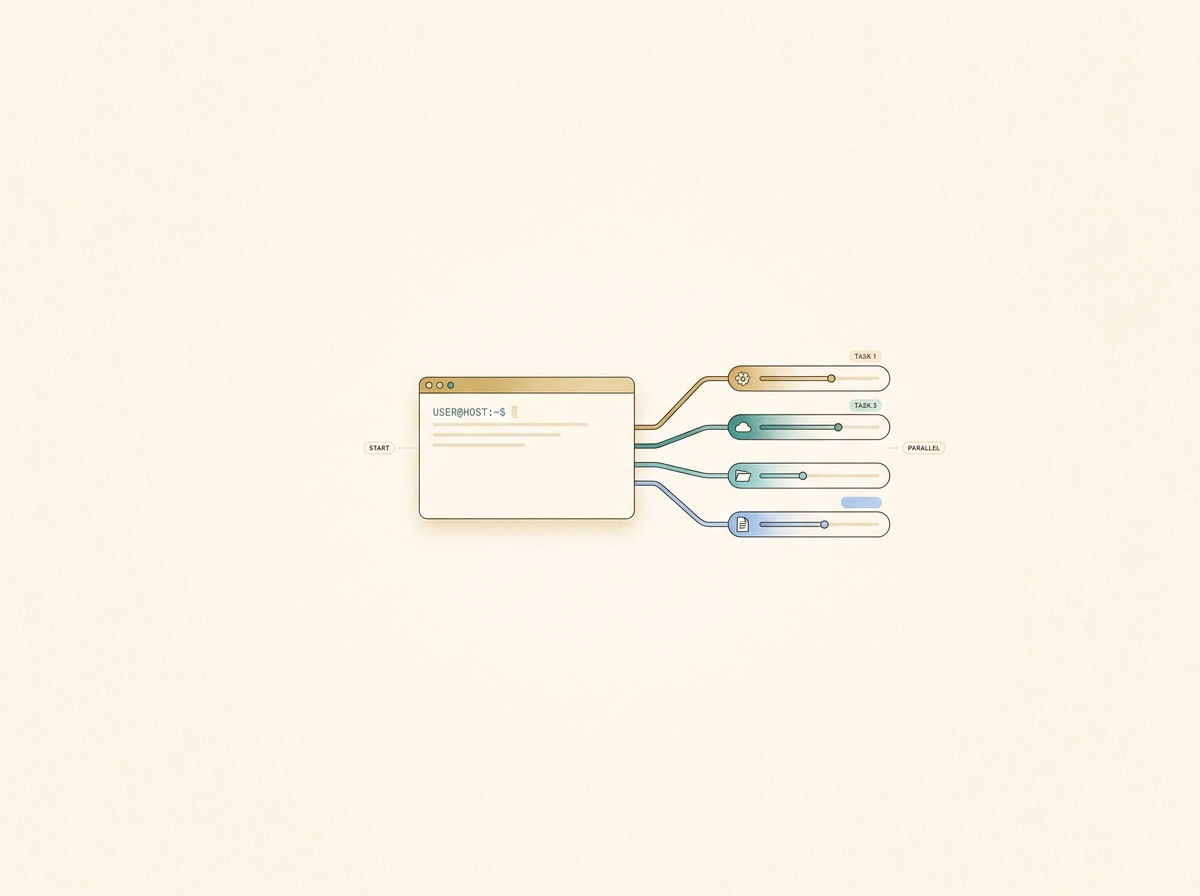
CLI-native agent-type tools like Claude Code deliver their full value when you want to chain multiple steps together and push through them all at once. From builds to store submissions, from deployments to database setup and webhook verification—you can hand off an entire workflow.
Based on my experience, here are the tasks where agent-type tools are particularly effective:
- New feature implementation: Creating, modifying, and testing multiple files in one go
- Git operations and PR creation: Writing commit messages from diffs and opening pull requests
- Environment setup and deployment: Executing infrastructure configuration through deployment as a single workflow
- Investigation tasks: Scanning the entire codebase to pinpoint problem areas
I now routinely use three terminals in parallel, each running a different task. The essence of CLI-native agent-type tools is the ability to run tasks in parallel—their value isn't limited to making a single task faster.
I've completely delegated PR writing and Git operations to Claude Code. It's often more precise than what I'd write myself. I can't go back to the days of visually inspecting diffs in an editor and committing one by one.
SECTION 04
Decision Framework for Each Task
Agonizing over "which one to use" every time is inefficient. Having a mechanical decision framework based on the nature of the task eliminates the hesitation.
The key decision points are these three:
- Scope of changes: For localized edits within a single file, go editor-first. For chaining multiple steps, go agent-type
- Need for autonomy: If you want to proceed interactively while checking along the way, go editor-first. If you want to delegate in bulk, go agent-type
- Need for parallelism: If you want to run multiple tasks simultaneously, agent-type has the advantage
For example, "adding one validation to an existing API endpoint" calls for the editor-first approach, while "designing a new API endpoint and writing tests" calls for the agent-type approach. When in doubt, decide based on the scope of the task—it's the simplest rule.
Another decision axis is whether you personally want to see the code details. Tasks requiring intuitive judgment, like UI visual adjustments, are faster when you work hands-on in the editor. Meanwhile, tasks with clear correct answers, like building logic or writing tests, are more reliably handled by delegating to the agent-type tool.
In practice, switching between both within a single project becomes routine. Use the agent-type tool to build the skeleton of a large feature, then use the editor-first approach for fine-tuning. This dual-wielding approach is the current best practice.
SECTION 05
The Developer's Role Shifts from "Implementer" to "Designer"
The biggest change after seriously adopting CLI-native agent-type tools wasn't that coding got faster—it was that my role fundamentally changed. I clearly shifted from being the implementer to being the one who designs and delegates tasks.
Specifically, the following activities now make up the core of my daily work:
- Breaking down tasks into units that AI can execute
- Writing project-specific rules in configuration files like CLAUDE.md to raise output quality
- Reviewing generated results and issuing the next set of instructions

This structure where the quality of your instruction design directly determines the quality of the output is something I rarely thought about with the editor-first approach. When you eliminate generic instructions and pass only project-specific context, the accuracy of generated code improves dramatically.
On the other hand, some may feel resistance to "no longer writing implementation details yourself." The loss of that hands-on feeling is a real concern. However, through trial and error, I've found that the ability to decompose problems and design solutions actually gets sharpened. The time I no longer spend writing code has been redirected to architecture and design decisions.
SECTION 06
Pricing Structure and Cost Management in Practice
When using Claude Code for work, I often hear that people hold back because they're worried about costs. With usage-based pricing, token consumption is hard to predict, and it's not uncommon to end up with higher costs than expected before you realize it.
I chose the Max plan ($100/month and up, as of March 2026, before tax) without hesitation. Claude Code is available on the Pro plan too, but if you frequently run parallel tasks, Max is more comfortable. Given how much it transforms my workflow, the investment is well worth it.
When I was on usage-based pricing, I was carefully monitoring token consumption and running frequent checks. After switching to a flat rate, I could run multiple tasks without worrying.
Here are the key points for cost management:
- Choose a flat-rate plan from the start if available: The anxiety of usage-based pricing restricting your behavior costs more in the long run
- Factor in the benefits of parallel tasks: If you can run three tasks simultaneously, your output per hour simply increases
- Don't skimp on tool investments: The opportunity cost of reduced development speed is greater than the monthly fee
I also use Cursor's paid plan, but in my experience, Cursor tends to hit its request limits sooner than Claude Code. With a usage pattern that frequently calls AI from within the editor, it's not uncommon to hit restrictions mid-month.
When using both together, it's important to understand each tool's limits and pricing structure, and consciously decide which tasks to route where. By splitting roles—"editor completions go to Cursor, heavy tasks go to Claude Code"—you can prevent overloading either one.
SECTION 07
Instruction Design and Context Determine Quality
The output quality of agent-type tools is almost entirely determined by what context you provide upfront. Even the same instruction—"build an API"—produces vastly different results depending on whether project rules and coding conventions are written in configuration files.
The following types of information proved most effective when included in configuration:
- Rules for project-specific naming conventions and directory structure
- Testing policies (what to test and what not to test)
- Commit message format and PR writing conventions
- A list of operations that are forbidden for security reasons
Conversely, generic instructions like "write clean code" are meaningless. AI is already trying to write clean code. What actually makes a difference is project-specific rules like "in this project, we do it this way."
Configuration file design is the highest-ROI investment for both cost and quality. Write it once, and every subsequent instruction becomes shorter, token consumption decreases, and output consistency improves. With Claude Code's skills feature, you can also save frequently used procedures in a reusable format.
If you throw a large task at an agent-type tool without sufficient context, the direction drifts midway and you end up with rework. Building the habit of checking "do I have all the necessary context for this task?" before issuing instructions directly impacts your productivity.
SECTION 08
Parallel Workflows: A New Way of Working
The biggest lifestyle change from adopting agent-type tools is that I can now physically run multiple tasks in parallel. This is a way of working unique to agent-type tools that's difficult to achieve with an editor-first approach.
For example, Terminal A handles new feature implementation, Terminal B handles bug fixes, and Terminal C handles test expansion—running three tasks in parallel has become my daily routine. All the human does is design the tasks and review the completed results.
Taking this further, I've also built an environment where I can issue instructions to Claude Code remotely from my phone. I use an app I developed called KingCoding. It's a tool that lets you manage Claude Code and Codex through an intuitive UI. It supports multi-task requests, status management, and other features that improve the quality of life in development.
Whether I'm drinking coffee at a café or on the move, I can keep AI agents working on development tasks. I keep Claude Code instances running for each project and can drop in additional instructions midway, so development doesn't stop even when I'm away from my PC.

However, as parallel tasks increase, management becomes the bottleneck. What's progressed how far? Which results need review? Managing task traffic becomes harder than the implementation itself. How to reduce this management overhead is the next challenge in making the most of agent-type tools.
SECTION 09
Failure Patterns with Agent-Type Tools
Agent-type tools aren't a silver bullet. Their high autonomy creates unique failure patterns, and there are several pitfalls that are easy to fall into during early adoption.
Common failures include:
- Throwing large tasks with vague instructions: Insufficient context causes AI to go off the rails, making unintended changes to numerous files
- Throwing the next task without reviewing results: Bugs from the first task cascade into subsequent work
- Granting overly broad permissions: Risk of unintended execution of destructive commands or operations on production environments
What deserves special attention is the paradoxical state of feeling exhausted despite increased productivity. While AI handles autonomous processing, humans tend to fall into an awkward "monitoring standby" state, making it difficult to manage focus effectively.
The countermeasure is to break tasks into appropriate granularity and establish a rhythm of review when notified of completion → issue next instructions. During wait times, work on something else or run parallel tasks to structurally eliminate the stress of idle time.
Additionally, giving agent-type tools broad permissions at the root directory makes it temptingly convenient to delegate even non-development chores, but that proportionally increases risk. For business use, clearly define permission boundaries and include confirmation steps before execution.
SECTION 10
Practical Adoption Steps and Operational Design
Based on the decision framework covered so far, here's a structured step-by-step approach for adopting Claude Code and Cursor together in practice. Rather than switching everything at once, establishing the division of labor gradually is the approach least likely to fail.
The adoption flow looks like this:
- Step 1: Start by getting comfortable with Cursor for daily completions and fixes (the basic editor-first experience)
- Step 2: Try Claude Code on a single limited task (such as new feature implementation or PR creation)
- Step 3: Set up project-specific rules in configuration files (like CLAUDE.md)
- Step 4: Gradually increase parallel tasks and establish a management rhythm
As CLI-based tools become more capable, the trend of eliminating the need for humans to manually configure things in browsers is definitely accelerating. From environment setup to infrastructure provisioning to monitoring, the scope of what can be automated continues to expand as CLI and agents converge.
When introducing these tools to a team, you need to be aware of the problem of individual know-how not being shared across the team. It's important to include configuration files and skill definitions in the repository under version control, creating a system where anyone gets the same quality output.
The ultimate goal is to reach a state where the decision of "this task is editor-first" or "this task is agent-type" happens unconsciously. When zero time is spent deliberating over tool selection, that time goes entirely toward design and decision-making. There's no need to commit to just one—leveraging the strengths of both is the most rational way to work with AI coding tools today.