
SECTION 01
What Is Claude Code Router? How It Differs from Official Features and What Problems It Solves
Claude Code Router (CCR) is not an official Anthropic product or feature — it is an OSS tool developed and published by the community. It acts as a proxy that relays Claude Code requests and routes them to different providers or models depending on the type of task.
Anthropic's Official Model Switching
Anthropic's official Claude API uses a single endpoint at POST /v1/messages, where you specify the model via the model field. There is no need to set up separate endpoints for each model.
Claude Code also provides official model aliases:
- opus (Opus 4.6)
- sonnet (Sonnet 4.6)
- haiku (Haiku 4.5)
- opusplan: automatically switches to Opus for plan mode and Sonnet for execution
If all you need is official automatic switching, specifying the opusplan alias is the simplest approach.
Problems CCR Solves
CCR operates on a different layer from the official model aliases, enabling routing that includes non-Anthropic providers. Without routing, the following issues tend to emerge:
- Ballooning costs from using expensive models for every task
- Response latency from calling heavy models even for lightweight tasks
- Inconsistent output quality from ad-hoc, person-dependent model selection
Especially when APIs are embedded in numerous workflows, it is impractical for humans to decide which model to use every time. The more calls you make, the greater the benefit of automation.
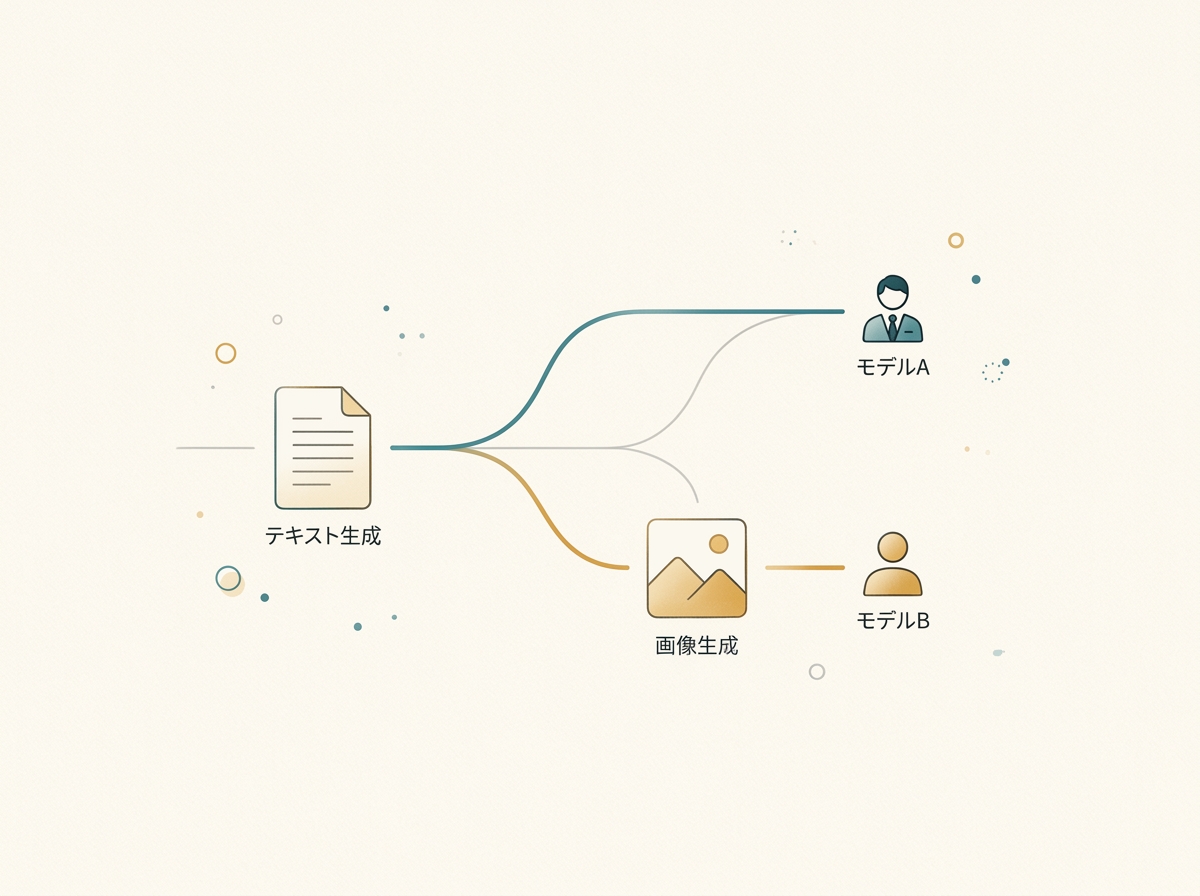
In my experience, the router started paying off once I had three or more workflows. If you wait until cost issues become obvious, you may have already accumulated significant waste.
SECTION 02
Basic Configuration and Setup Steps for Claude Code Router
CCR configuration is managed in ~/.claude-code-router/config.json. The basics involve defining Providers and Router (routing rules) in this file.
Structure of config.json
To get a minimal setup running, configure the following elements:
- Providers: Connection details for the providers you want to use (Anthropic, OpenRouter, DeepSeek, Ollama, Gemini, etc.)
- Router: Routing destinations for each task type
The Router supports the following task type keys:
- default: Destination for requests with no specific designation
- background: For background processing
- think: For thinking and reasoning tasks
- longContext: For requests that handle long contexts
- webSearch: For requests involving web searches
- image: For requests involving image processing
How It Differs from the Direct Anthropic API
When using the Anthropic API directly, you simply specify the model field in a single Messages API call (POST /v1/messages). Within the same workspace/plan, you can switch models using the same API key by changing the model value.
With CCR, you define each provider's connection details in the Providers section of config.json and specify routing destinations per task type in the Router section.
I recommend starting with only default configured and verifying it works. Once you confirm the router is relaying correctly, gradually add routing for think, longContext, and other task types.
Separating API keys per project makes rate limit management and troubleshooting easier down the line.
SECTION 03
Designing Routing Rules: Built-in Routing and Custom Logic
CCR provides built-in task type keys: default / background / think / longContext / webSearch / image. Simply configuring these in the Router section of config.json gives you basic routing out of the box.
Using Built-in Routing
It works by simply writing each key and its destination in the Router section of config.json. For example, you might assign a Sonnet 4.6-class model to default and an Opus 4.6-class model to think.
Extending with Custom Logic
When the built-in task types are not enough, you can implement your own routing logic in JavaScript using CUSTOM_ROUTER_PATH. Here are some examples of routing designs achievable with custom logic:
Static rules: Branching based on predetermined conditions such as token count, keywords, or task type.
- Requests with low input token counts → lightweight model
- Contains keywords like "review" or "proofread" → mid-tier model
- Contains "design" or "architecture" → high-performance model
Dynamic rules: First, have a lightweight model assess the difficulty of the request, then route to a higher-tier model based on the result. This improves accuracy but adds one extra call for the assessment, impacting both latency and cost.
Note that these are logic you build yourself via CUSTOM_ROUTER_PATH — they are not built-in CCR features.
In my experience, it was most practical to start with only the built-in task type keys and gradually migrate to custom logic once enough routing-miss logs had accumulated. Building custom logic from the start dramatically increases debugging difficulty.
SECTION 04
Practical Examples of Model Routing by Task Type
Below is a framework for model routing using CCR's task type keys and CUSTOM_ROUTER_PATH.
Lightweight tasks should generally be routed to a Haiku 4.5-class model. For tasks with a narrow decision space — such as text summarization, category classification, and conversion to fixed formats — these models deliver sufficient quality.
Mid-weight tasks are well suited for a Sonnet 4.6-class model. These include code reviews, text proofreading, and recommendations from multiple options — tasks that require some contextual understanding but can be reduced to established patterns.
Here are the criteria I use to decide when to route to a Sonnet-class model:
- Moderate input/output length — neither too short nor too long
- Multiple valid answers exist, but wildly off-base responses should be avoided
- Reasonable response speed is expected for interactive use cases
Heavy tasks should be routed to an Opus 4.6-class model. These include complex code design decisions, multi-step reasoning, and tasks that require maintaining consistency across long contexts.
For gray-zone tasks where the decision is unclear, a practical approach is staged escalation: process with a Sonnet-class model first, verify the output, and reprocess with an Opus-class model only if quality falls short.
SECTION 05
How to Find the Line Between Cost Reduction and Quality Degradation
The biggest risk with routing is pushing cost savings too far and breaking quality. Over-routing to cheap models causes output quality to degrade at levels users may not immediately notice, leading to increased rework downstream.
Here are the typical patterns where quality degradation occurs:
- Long-context tasks routed to lightweight models
- Ambiguous prompts delegated to Haiku-class models, producing outputs that miss the intent
- Chained tasks where intermediate steps use lightweight models, degrading accuracy in subsequent steps
An effective quality check is to run automated lightweight scoring on outputs. For example, have Haiku evaluate Sonnet's output, and if it falls below a certain threshold, regenerate with Opus — a two-tier safety net.
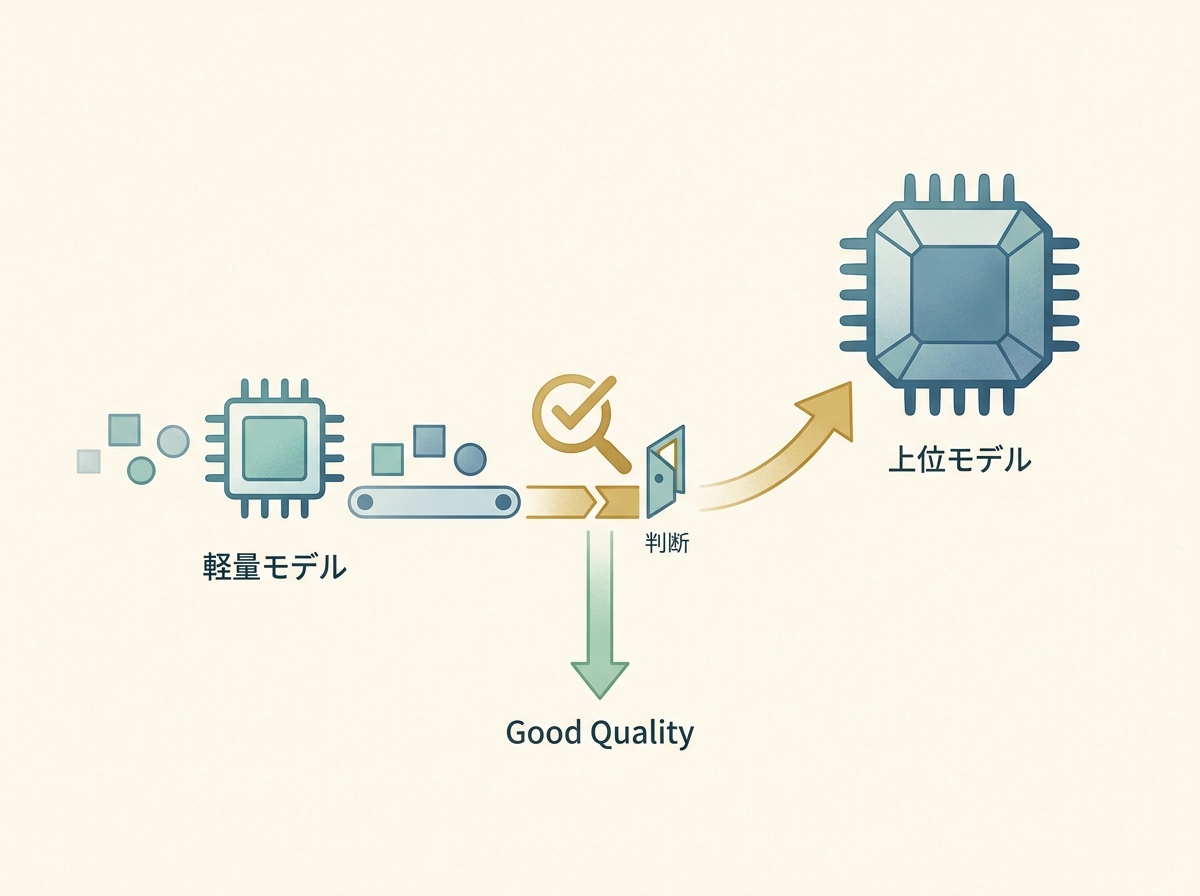
In my operational experience, the most intuitive way to find the cost optimization sweet spot was to manage the ratio of higher-tier model calls relative to total call volume. Simply checking periodically whether the ratio is skewing too far in either direction makes it much easier to prevent major quality incidents.
SECTION 06
Error Handling and Fallback Design Required for Production
If you are running a router in a production environment, error handling and fallback design are non-negotiable. API calls can always fail, and depending on a single model means an outage can bring all functionality to a halt.
At a minimum, build in these three types of error handling:
- Timeout handling: Cut off requests if the model response takes too long
- Retry handling: Retry with exponential backoff for rate limits or transient errors
- Fallback handling: Switch to an alternative model if the designated model is unavailable
For fallback design, use a top-down chain as your baseline. If Opus is down, fall back to Sonnet; if Sonnet is also unavailable, fall back to Haiku. This chain ensures minimum functionality is maintained.
Conversely, design bottom-up fallbacks with caution. If Opus gets called instead of Haiku, costs can spike unexpectedly. It is safest to cap the number of calls for upward fallbacks.
In my setup, I keep retries to a maximum of about three attempts. Beyond that, the probability of success is low, and all you gain is longer wait times. When the retry limit is exceeded, I return an error and log it.
SECTION 07
Logging Practices and the Routing Accuracy Improvement Cycle
Operating a router is not a set-and-forget task — it requires continuous improvement based on logs. You cannot judge whether routing rules are appropriate without looking at actual request data.
Here is what you should log:
- Request content (prompt hash or category label)
- Routed model and actual response time
- Quality score for the output (from automated evaluation or human review)
Once logs accumulate, analyze patterns in routing misses. Identify cases where Haiku was used but quality was poor, and cases where Opus was used but Sonnet would have sufficed, then adjust rule thresholds accordingly.
In my experience, a weekly to biweekly improvement cycle was realistic. Changes don't happen fast enough to justify daily tuning, and waiting for a sufficient sample size before analyzing trends avoids getting misled by noise.
I also adopted the practice of tracking "routing miss rate" as a KPI. When the miss rate exceeds a certain threshold, it triggers a rule review — making it easier to catch quality degradation early.
SECTION 08
How to Choose Between a Custom Router and CCR (OSS)
Whether to build your own router or use an OSS solution like CCR should be decided based on team size and long-term operational needs. Both options have clear advantages and disadvantages.
The advantage of building your own is full control over routing logic. You can design granular rules tailored to your organization's task taxonomy with no dependency on external OSS. However, you bear all maintenance costs yourself.
Costs that are often overlooked when building your own include:
- Keeping up with model version updates (updating rules when new models are added)
- Handling edge cases (dealing with unexpected request patterns)
- Building monitoring and alerting (detecting and reporting routing anomalies)
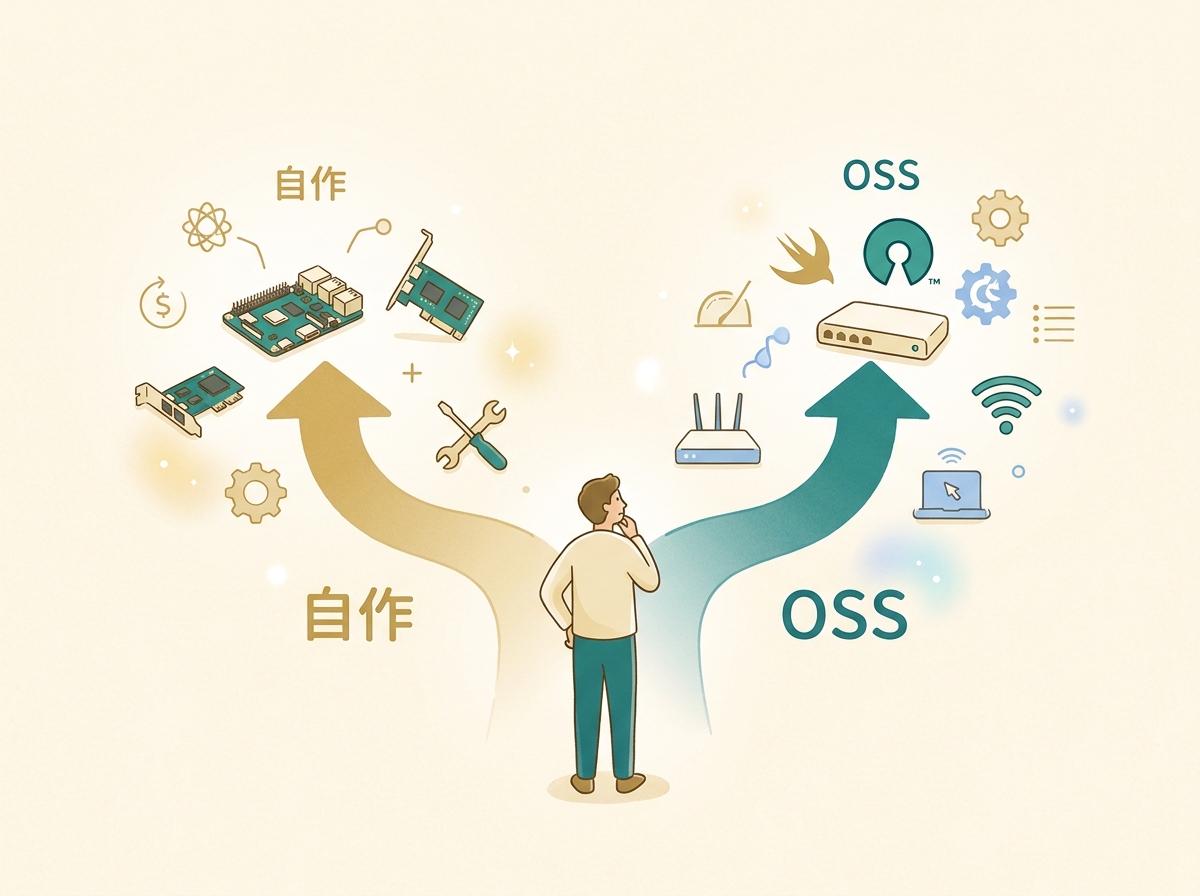
An OSS router like CCR significantly reduces initial setup costs. It often comes with built-in error handling and provider connection mechanisms, making it quick to deploy and start using.
In conclusion, for solo developers or small teams, using CCR as-is is ideal; for teams with specific requirements, customizing CCR as a foundation strikes the best balance between maintenance cost and flexibility. Rather than aiming for a perfect router from the start, it is more important to start small and let it evolve through real-world operation.
SECTION 09
Design Tips to Keep in Mind for Production Use
Before putting the router into production, it is essential to run a wide range of request patterns through a test environment. Routing gaps that go unnoticed during development can surface all at once with the diverse requests of a production workload.
CCR's config.json is designed so that only the routing rules can be updated, which in some cases allows configuration changes without restarting the entire application.
Key points to watch during model version upgrades:
- Compatibility with existing rules (check whether the new model has changed its output format)
- Recalibrating quality scores (if the new model scores higher overall, thresholds may need adjustment)
- Recalculating cost per unit (pricing structures may change with model updates)
When multiple workflows share the same router, logging with separate namespaces per workflow makes it much easier to analyze routing accuracy. Viewing all logs in aggregate makes it harder to pinpoint which workflow is experiencing issues.
Finally, do not judge the effectiveness of routing solely by cost savings. Evaluating across multiple dimensions — response speed improvements, output quality stabilization, and reduced operational overhead — leads to more accurate investment decisions about your router.