SECTION 01
The Bottom Line: CLAUDE.md Works Perfectly Fine in Japanese
CLAUDE.md for Claude Code shows no noticeable drop in accuracy when written in Japanese. Back when I was using the ChatGPT API, I used to follow practices like "write system prompts in English" and "use English to save tokens since Japanese uses more." There was even a period when I'd ask questions in Japanese with GPT-3.5 Turbo first, then switch to English with GPT-4 if that wasn't enough.
But since switching to Claude Code, I've almost entirely stopped managing token costs or switching languages. I explain complex feature requirements in Japanese, and even when running multiple terminals in parallel, Japanese instructions work without any issues.
The only case where you should use English is for technical terms, command names, file paths, and other proper nouns. Tech stack names like "TypeScript" or "pnpm" stay in English as-is, while explanatory text works perfectly fine in Japanese.
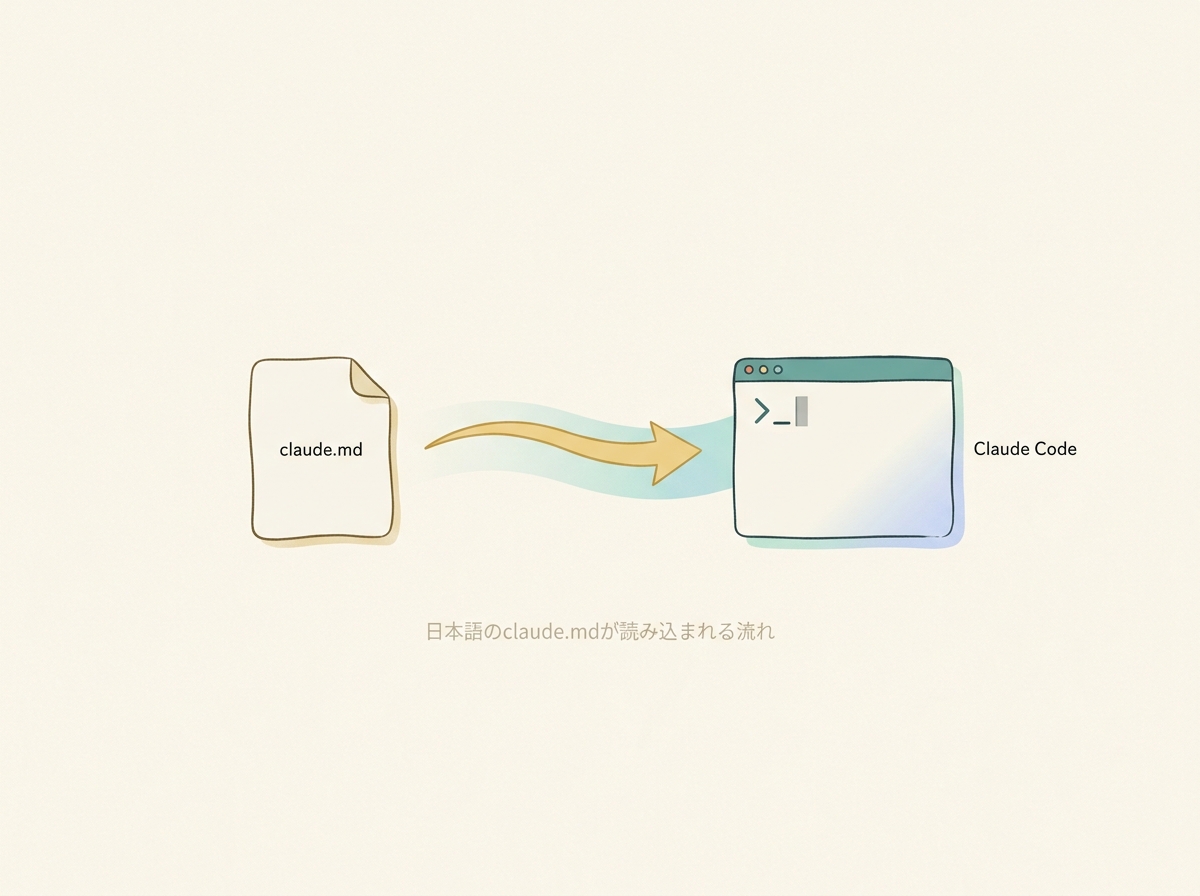
My actual development workflow is as simple as drafting requirements in Japanese in a text editor and pasting them into Claude Code. Spending time thinking about "what language should my instructions be in" is a waste — with today's models, that kind of optimization is no longer necessary.
SECTION 02
What Is CLAUDE.md? File Placement and How It Gets Loaded
CLAUDE.md is a project-specific instruction file that Claude Code automatically loads as context when a session starts. Instead of manually pasting project rules into every prompt, your project's rules and context are automatically communicated to the AI. Without this configuration, Claude Code infers behavior from the codebase, which often leads to output that doesn't match your intent.
There are three main placement locations, each with a different scope. Where you write what makes a significant difference in AI behavior.
Here's how to use each placement location:
CLAUDE.md(or.claude/CLAUDE.md) at the project root — For repository-specific rules (tech stack, coding conventions, directory structure, etc.). Place rules shared across your team here~/.claude/CLAUDE.md— For rules you want applied across all projects (writing style preferences, review procedures, etc.)CLAUDE.local.mdat the project root — For user-specific instructions for a particular project (personal settings not shared with the team). Add it to.gitignore
These files aren't simple overwrites — all found files are concatenated into the context. Within the same directory level, CLAUDE.local.md is appended after, so instructions in more specific locations or later positions tend to take stronger effect. If you say "ignore this rule" during a conversation, the in-conversation instruction takes priority over CLAUDE.md. Understanding this mechanism makes it easier to troubleshoot when rules don't seem to work.
The biggest difference between having and not having configuration shows up in eliminating repetitive instructions. For example, once you write "use Vitest when adding tests" in CLAUDE.md, you never have to say "use Vitest for the test framework" again.
SECTION 03
A CLAUDE.md Writing Template That Works in Japanese
The basic structure of CLAUDE.md is built with Markdown headings + bullet lists + concrete examples. The key is to list rules one per line in bullet points rather than writing long explanatory paragraphs. AI picks up structured instructions more accurately.
Here's a skeleton template you can copy and paste:
## Tech Stack— List the languages, frameworks, and package manager you use## Coding Conventions— Write naming rules, import order, and error handling policies as bullet points## Directory Structure— Explain the role of each major directory in one line## Build & Test— Write build commands, how to run tests, and the framework names
The trick to making instructions effective is to keep them short in imperative form, one rule per line. Write at a granularity that leaves no room for ambiguity, like "use TypeScript strict mode" or "don't use default exports for components." Avoid vague expressions.
For example, "please write clean code" is far too open to interpretation for the AI to act on. Instead, break it down into specific actions like "keep functions single-responsibility" or "use descriptive English variable names without abbreviations."
In my own CLAUDE.md, I also describe rules for review, testing, and screenshot verification — all in Japanese. I've even written specification-level instructions, including judgment criteria like "prefer distilled over raw" and "when uncertain, write conservatively rather than filling in gaps" — all in Japanese, and they work without issues.
SECTION 04
Writing Patterns to Avoid: Anti-Patterns That Get Ignored
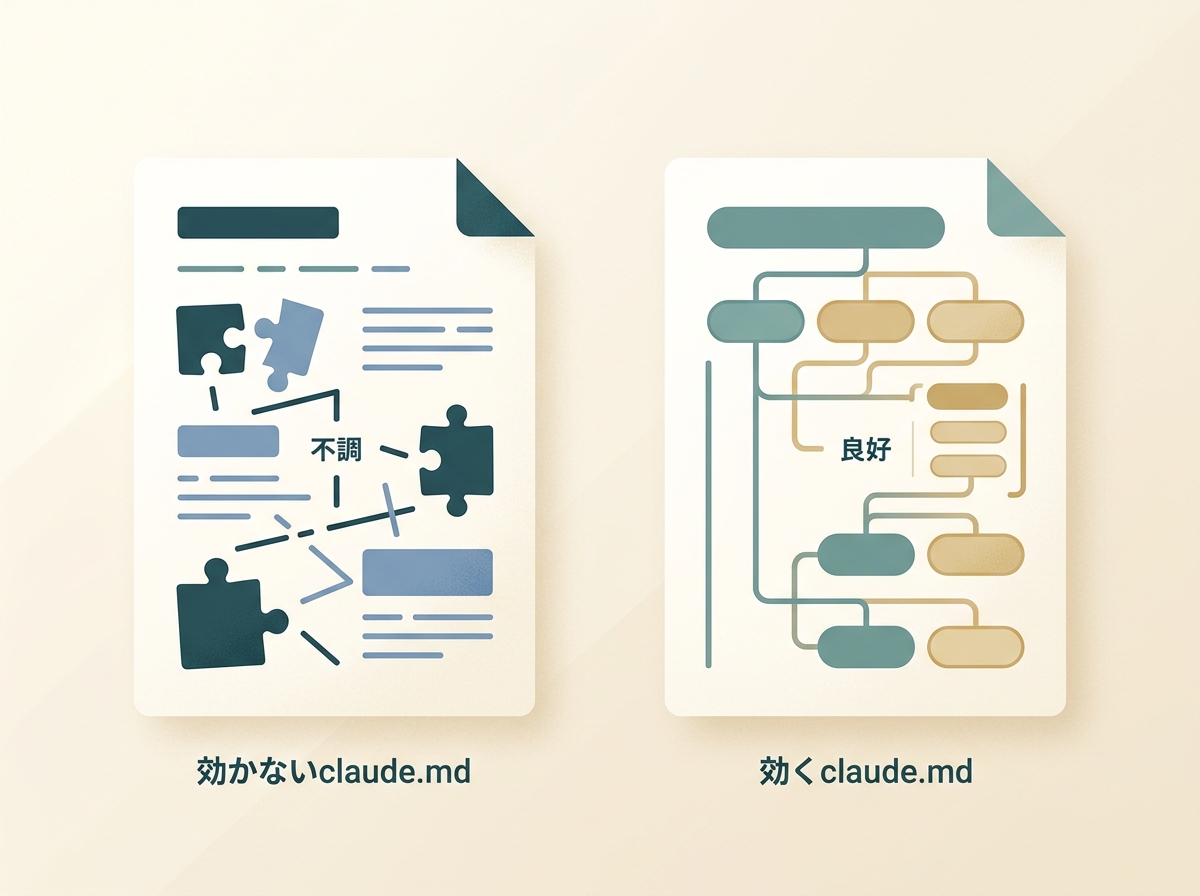
When rules in CLAUDE.md get ignored, it's tempting to blame the Japanese language, but the instruction structure actually has a much bigger impact. This is something I've confirmed through repeated trial and error. Fixing the writing structure is far more effective than switching to English.
The most common anti-pattern is writing in long, explanatory prose. Sentences like "given the background of XX in this project, considering YY, please implement it as ZZ" bury the core rule. AI picks up instructions at the beginning of bullet points more easily, so keep background explanations to a minimum.
The following patterns also reduce instruction effectiveness:
- Closed-ended phrasing like "...right?" — The AI tends to just agree with "yes" instead of taking action
- Too many rules with no clear priority — Mark important rules with IMPORTANT or place them at the top of the section
- Lists of polite requests using "please do~" — Imperative form is more readily recognized as rules
A more effective approach is to switch to an open-question structure. For example, "suggest efficient processing flow options to meet this requirement" gives the AI room to think. Also, instead of dumping complex implementations wholesale, simply adding the step of having it create an "implementation plan" first dramatically improves accuracy.
Heading levels and bullet list hierarchy in Markdown also directly affect instruction accuracy. The most stable format uses ## headings to separate sections with bullet-pointed rules underneath. Writing flat without headings makes it hard for the AI to determine where one rule ends and another begins.
SECTION 05
Migration Guide: From Cursor's .cursorrules to CLAUDE.md
.cursorrules and CLAUDE.md look similar but are conceptually different. .cursorrules is a configuration file that includes editor behavior settings, while CLAUDE.md is specialized for direct instructions to the AI. Migrating without understanding this difference leads to rules that don't work.
Here are the key conversion points to keep in mind during migration:
- Remove editor-specific settings — Tab width and formatter settings are meaningless in CLAUDE.md
- Increase granularity — .cursorrules often works with broad guidelines, but CLAUDE.md is more effective with specific, action-level instructions
- Choose the right placement — Put project-specific rules in CLAUDE.md at the repository root
Some parts can be copied over directly. Tech stack listings, naming conventions, and directory structure descriptions can be brought over from .cursorrules as-is. Even more so if they're already written in Markdown format.
On the other hand, parts that need rewriting are natural-language policy descriptions. Abstract rules like "aim for readable code" need to be made concrete for Claude Code — for example, "keep functions single-responsibility" or "limit nesting to 3 levels."
You don't have to do the migration all at once — adding missing rules as you go is the practical approach. Start by migrating just your stack info and build commands, then add conventions incrementally as you observe the AI's output.
SECTION 06
When to Evolve CLAUDE.md and Criteria for Splitting It
CLAUDE.md doesn't need to be perfect from the start — it's something you grow alongside your project. During new development, I find it's fine to put off rule configuration. In the early stages, the rules themselves change so frequently that locking them down doesn't make sense.
However, if you put it off too long, you'll start encountering rework that proper configuration would have prevented. A realistic cycle is to rewrite it once the product takes a definite shape. As a rule of thumb, when you notice yourself typing the same instruction in every conversation, that's the signal to add it to CLAUDE.md.
Here are the criteria for splitting files:
- Consider splitting when a single CLAUDE.md gets too long — A practical threshold is when it requires scrolling
- Separate shared rules from project-specific rules by placement — Use
~/.claude/CLAUDE.mdfor shared rules and the project root CLAUDE.md for project-specific ones - Put personal settings not shared with the team in
CLAUDE.local.md— Review procedures and personal preferences go here
The key to growing it well is to add a rule immediately whenever the AI's output feels off. If you think "why does it keep using default exports?" — add "don't use default exports" right then and there. This accumulation is what improves CLAUDE.md's effectiveness over time.
SECTION 07
Markdown Structure Directly Affects Instruction Accuracy
Beyond just the content of CLAUDE.md, the Markdown formatting itself affects how well the AI understands it. How you use headings, bullet lists, and line breaks can change effectiveness even with identical content.
The most stable format is using ##-level headings to separate categories with bullet-pointed rules listed underneath. Don't use # (h1) — create hierarchy with ## and ### instead. This is because Claude Code recognizes structure at the section level when loading context at session start.
Here are the formatting points to keep in mind:
- Keep each bullet point to one rule per line — Don't combine multiple rules into a single line
- Use
IMPORTANTor bold for critical rules — Claude Code tends to prioritize emphasized text - Keep code examples to a minimum — Overly long code blocks in CLAUDE.md dilute recognition of the rule sections
You also need to be careful with line breaks. Too many blank lines between bullet points can cause the list to be interpreted as separate sections. Conversely, packing them too tightly reduces readability. I recommend adjusting while checking the Markdown preview.

SECTION 08
Checklist for When Rules Aren't Working
When you feel like rules in CLAUDE.md are being ignored, first verify that the file placement is correct. Surprisingly often, the issue is wrong capitalization in the filename (CLAUDE.md) or an incorrect directory level.
Here's an efficient verification procedure:
- Check loading status with the
/memorycommand — This displays the list of CLAUDE.md, CLAUDE.local.md, and rules files that Claude Code recognizes. This is the officially recommended verification method - Verify the filename is exactly
CLAUDE.md—claude.mdorClaude.mdmay not be loaded - Confirm it's at the project root — A
CLAUDE.mdinside a subdirectory won't be loaded at startup. However, it will be loaded on-demand when Claude Code reads files within that directory
If the placement is correct but rules still aren't working, suspect rule conflicts. If you give instructions during a conversation that contradict CLAUDE.md, the in-conversation instructions take priority. Also, if rules within CLAUDE.md contradict each other, the AI's behavior becomes unpredictable.
Behavior can occasionally change after Claude Code updates. In this case, first check the version and determine whether the same CLAUDE.md is producing different behavior than before. Since context processing can change with updates, try rephrasing rules that stopped working.
As a last resort, rewrite the rule in a stronger form. Changing "do X" to "do X. No exceptions," or adding "IMPORTANT:" at the start of a section can sometimes make the difference. However, emphasizing every rule has the opposite effect, so limit this to rules that truly must be followed.
SECTION 09
Real-World CLAUDE.md Examples and Tips from Practice
Here I'll share techniques from my actual CLAUDE.md usage. By describing your entire workflow in CLAUDE.md, you can dramatically reduce the amount of instructions needed each time. Writing in self-review procedures, test execution methods, and pre-commit checklists allows the AI to autonomously execute all of them.
Here are examples of what I actually include:
- Workflow definitions — Criteria like "use plan mode for tasks involving changes to multiple files"
- Self-review procedures — A checklist for verifying accuracy, security, and readability after implementation
- Build commands — Frequently used commands like
pnpm dist:mac:prodwritten out directly
The key is to clearly separate what you want the AI to decide from what should be fixed. Writing conditional logic in CLAUDE.md like "minor single-file fixes go straight to implementation; multi-file changes use plan mode first" allows the AI to switch its approach appropriately.
Another useful technique is to explicitly state what doesn't need to be done. Rules that restrict things the AI tends to overdo — like "don't add unnecessary docstrings" or "don't add comments to code you didn't change" — are highly effective.
It's important to recognize that CLAUDE.md is a foundational file for your environment. Alongside memory features and sub-agents, it's a core configuration that determines AI behavior. It's worth maintaining continuously as a project asset, not something you write once and forget.
SECTION 10
Conclusion: Start with Just 3 Lines
CLAUDE.md works perfectly fine written in Japanese. The only things that need to be in English are technical terms — explanatory text and rules work just fine in Japanese. The era of translating to English to save on token costs is over, at least for Claude Code.
You don't need to aim for a perfect CLAUDE.md from the start. Just begin with these 3 lines:
- Your tech stack (language, framework, package manager)
- Your most important coding conventions (just 1-2)
- Your build or test execution command
With just these 3 lines, you should see a visible improvement in AI output accuracy. From there, simply add rules whenever the AI's output feels off, and your CLAUDE.md will naturally evolve to be optimized for your project.
When instructions don't seem to work, suspect the structure, not the language. Keep it imperative, keep it short, one rule per line, written as bullet points. Following this principle alone will dramatically improve how well your CLAUDE.md performs.