
SECTION 01
What Claude Code Action Can Automate
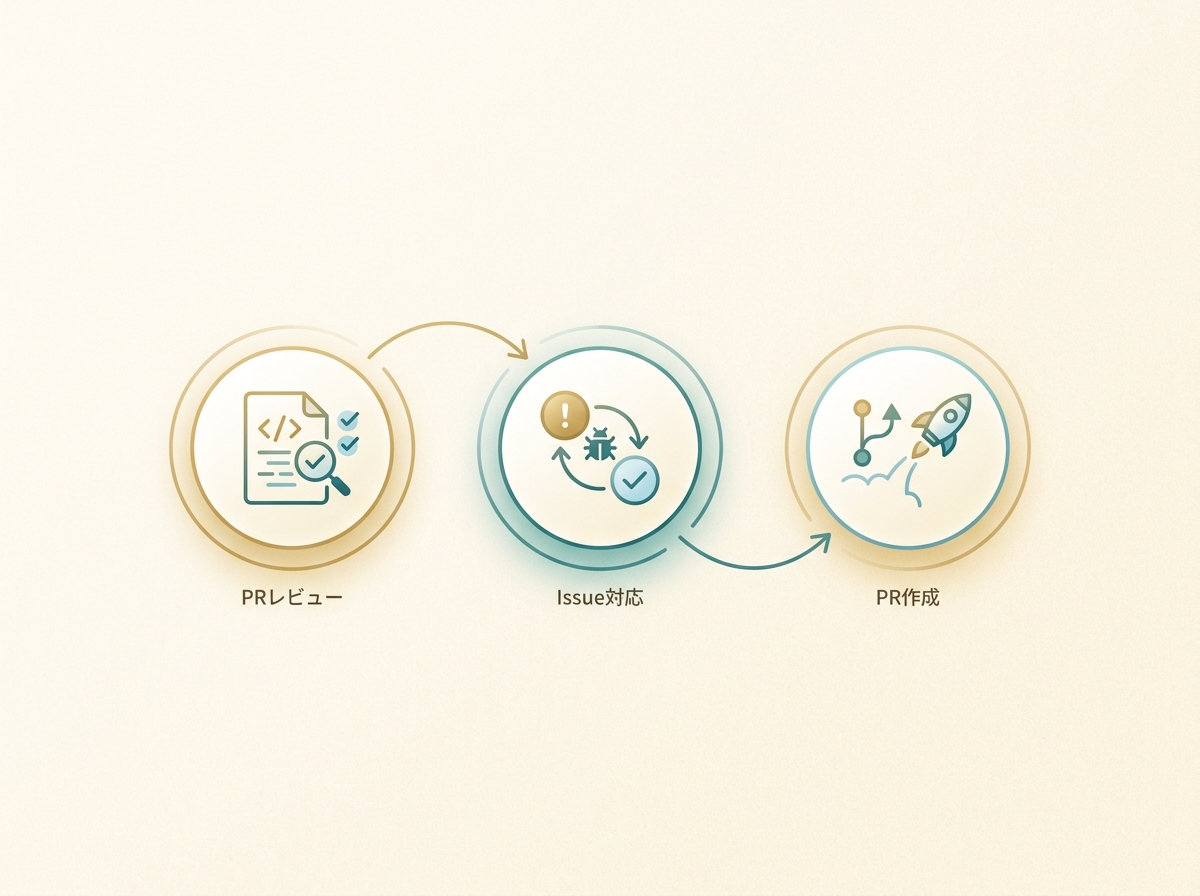
Claude Code Action is an official GitHub Actions action provided by Anthropic. It enables automated code review comments on PRs, branch creation and implementation assistance from Issues, and auto-generation of commit messages and PR descriptions—all running in CI.
What it can do breaks down into three areas.
- PR review automation: Reads code diffs when a pull request is opened and posts review comments
- Issue response automation: Triggers on Issues with specific labels to create branches, implement changes, and prepare PR branches
- PR description and commit message generation: Summarizes changes in a human-readable format based on the diff
By default, rather than fully auto-creating a PR, it commits to a branch and provides a link to a pre-filled PR creation page. The final PR creation is left for a human to review and confirm.
In my case, I think of Claude Code Action as essentially a Devin alternative. I work in my local editor while filing multiple Issues and dispatching them to Claude Code Action in parallel. Once I give instructions, work progresses concurrently.
Devin's managed nature creates stronger dependency, but Claude Code Action runs closely tied to your repository, making it easier to control yourself. Costs consist of API usage charges plus GitHub Actions execution costs, making it a realistic option for indie developers.
SECTION 02
Minimal YAML and Secrets Setup—Copy-Paste PR Review Automation
Getting a working setup is the top priority. Using the official anthropics/claude-code-action, you can try PR review automation with just a single YAML file and an API key registration.
For production use, however, installing the Claude GitHub App is a prerequisite. The GitHub App requires read/write permissions for Contents, Issues, and Pull requests. Authentication options include not just API keys but also OAuth, Bedrock, and Vertex AI, so choose the method that fits your team's environment.
In the minimal YAML configuration, set pull_request and issue_comment as triggers. The required permissions are as follows.
- contents: read — Permission to read repository code
- pull-requests: write — Permission to write review comments on PRs
- issues: write — Permission to comment on Issues (when using Issue automation)
- id-token: write — Required for default GitHub App authentication
If you want Claude to read CI results, add actions: read as well. This isn't required in the minimal setup—it's an option for CI integration.
Register Secrets by adding ANTHROPIC_API_KEY in the repository's Settings → Secrets and variables → Actions. For organization-wide use, register it in Organization Secrets to avoid per-repository configuration.
Trigger conditions vary by use case. For PR reviews only, pull_request with opened and synchronize is sufficient. If you also want automated implementation from Issues, add issues with opened and labeled.
For initial verification, the surest approach is to open a small PR. Check the workflow execution logs in the Actions tab—if review comments appear on the PR, you're good. Errors are almost always caused by insufficient permissions, so check the log error messages and add the necessary permissions.
SECTION 03
Prompt Design for Better Review Accuracy—Practical Noise Reduction Techniques
Running with default settings, the first wall you'll hit is a flood of minor style nitpicks and formatting suggestions. To make it production-ready, you need to explicitly define "what to look at and what to ignore" in the system prompt.
Effective prompt design comes down to three points.
- Narrow the review focus: Limit to "security issues," "logic bugs," and "performance regressions"—suppress style and naming convention suggestions
- Provide project-specific context: Write your architecture guidelines and library conventions in CLAUDE.md
- Specify files to ignore: Exclude lock files, auto-generated code, and test snapshots from review
Leveraging CLAUDE.md is the single biggest factor in improving review accuracy. When you document your project's directory structure, state management approach, and testing conventions, you'll get context-aware feedback. Without CLAUDE.md, reviews tend to just push generic best practices.
For large PRs or changes spanning multiple files, there are cases where Claude's wide context window shines and cases where focus gets diluted. Refactoring with strong inter-file dependencies tends to yield accurate feedback, while bundling unrelated features into one PR increases noise.
In other words, Claude Code Action's accuracy also depends on how you split your PRs. The fundamental principle of one concern per PR applies just as strongly to AI reviews.
SECTION 04
Automating Issue Responses—File an Issue, Get a PR Branch Back
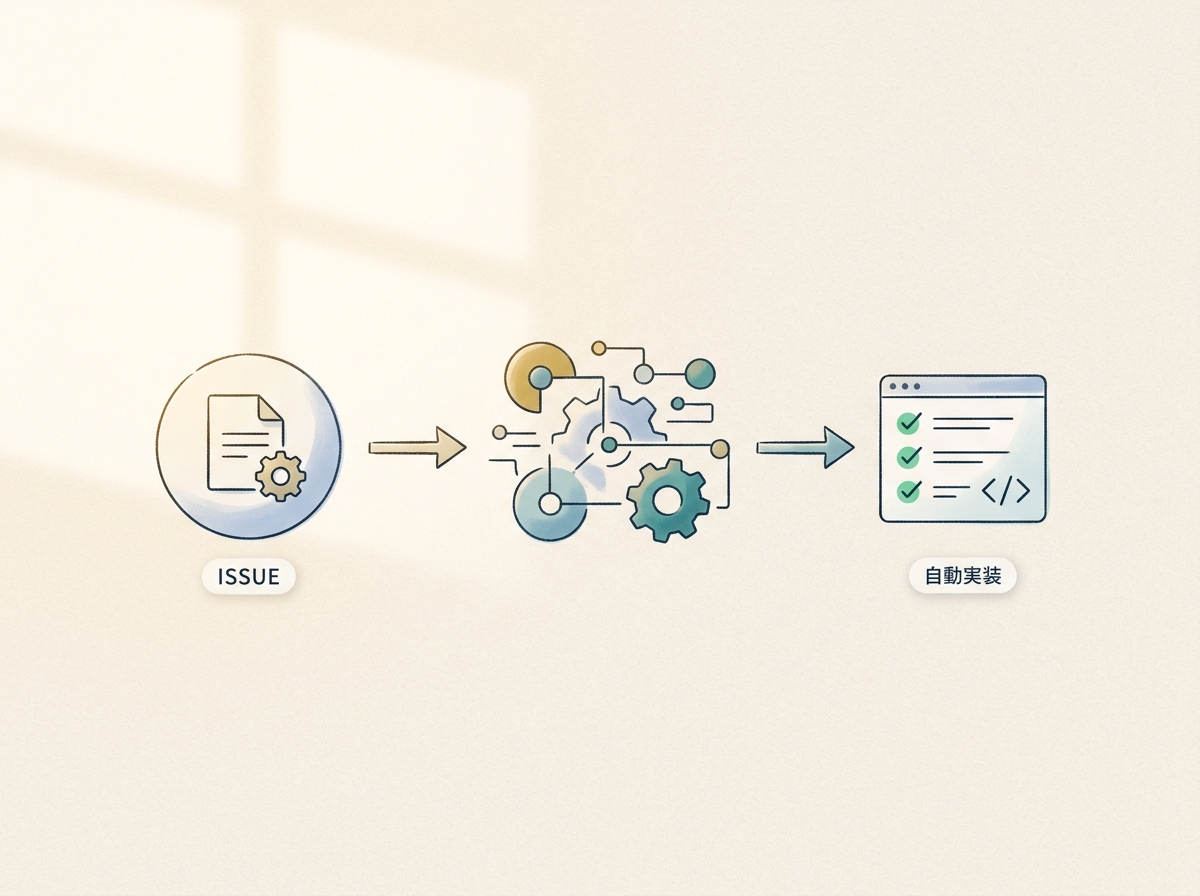
Where Claude Code Action truly shines is automated implementation triggered by Issues. It detects Issues with a specific label (e.g., claude), then automatically creates a branch, makes code changes, and presents a link to a PR creation page.
In the Issue trigger YAML config, use the labeled action on issues events. By adding label controls, you ensure only explicitly requested Issues are processed, not every Issue. This also prevents accidental triggers, making label filtering essential.
How you write Issues dramatically affects accuracy.
- Keep task granularity small: Break down "build authentication" into "add validation to the login API" level tasks
- State acceptance criteria clearly: List what "done" looks like in bullet points
- Hint at target files and directories: Narrowing Claude's search scope improves accuracy
Through trial and error, what became clear is that dispatching multiple Issues in parallel creates a pseudo development team. I work on core features in my local editor while delegating peripheral tasks as Issues to Claude Code Action. Each one comes back as a branch, so development progresses just by reviewing and merging PRs.
The more you dispatch in parallel, however, the more you need to manage which Issues are complete and which PRs are waiting. Without visualizing status through GitHub Projects boards or label conventions, it's easy to miss things.
SECTION 05
Real-World Example: Running Claude Code Action in Parallel as a Devin Alternative
I started using Claude Code Action seriously when I realized that parallel development alongside my local editor was viable. I write main features in the editor while delegating subtasks like refactoring, adding tests, and documentation updates to Claude Code Action.
Writing PR descriptions and commit messages is something I've completely handed off to Claude Code. Just asking "write up the changes in Japanese for a pull request" returns something more organized than what I'd write myself. Generating commit messages from diffs and opening PRs has become part of my daily routine.
However, the more agents you have, the faster management costs explode. Checking which tasks are done and which agent is doing what eats up time on its own. To reap the benefits of parallelization, you need to design the management system first.
Here's how I've designed the management.
- One Issue per task: Keep granularity consistent with clear completion criteria
- Label-based status management: Visualize phases like claude-working / claude-done / needs-review
- Humans make the final merge decision: Never auto-merge—always review before merging
I don't think you need to force this setup during the early stages of indie development. If manual deployment takes just a few minutes, that automation can wait. Introducing it when your product matures and PR frequency increases makes more sense from a time-to-value perspective.
SECTION 06
Security and Data Transmission Checkpoints
When adopting Claude Code Action, you must verify the scope and handling of data sent to the API.
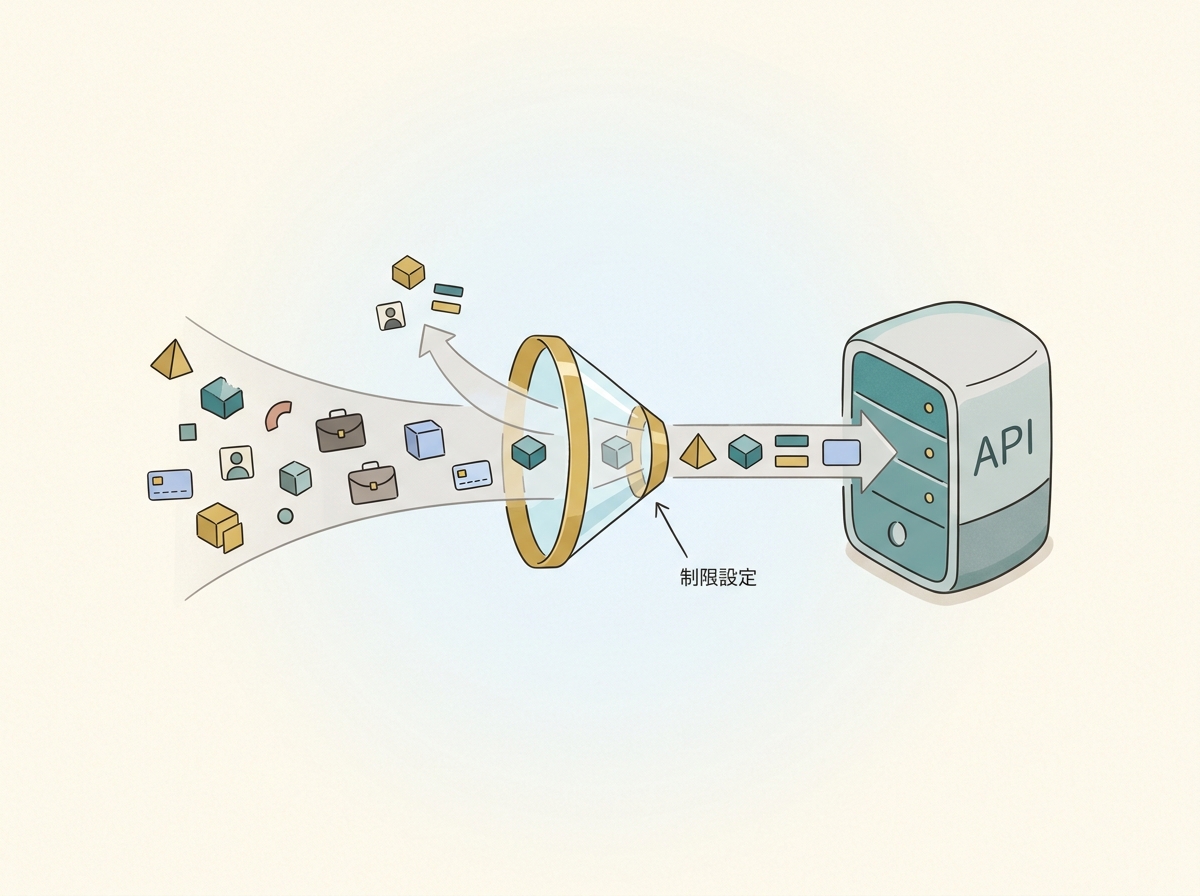
GitHub Actions' official documentation states that code stays on the GitHub runner. However, Claude Code itself is a tool that can read the codebase, edit files, and execute commands. The actual scope of data sent to the API depends on your workflow design and execution content, so you can't simply declare that "only diffs are sent." Checking the actual transmitted content in your workflow logs is the reliable approach.
Regarding training data usage, the handling differs by authentication method.
- API keys and commercial terms (Team/Enterprise): Submitted data is not used for model training without explicit opt-in
- Consumer accounts (Free/Pro/Max) using OAuth authentication may have data used for model improvement depending on settings
For team adoption, you should evaluate which authentication method you're using against your company's security policy, since data handling varies accordingly.
Here's a checklist of what to verify before team deployment.
- Understand transmission scope: Check which files are sent to the API via workflow logs
- Choose the right authentication method: Select API key authentication or a commercial plan based on training data policies
- Manage secrets properly: Centralize API keys in Organization Secrets—don't reuse personal keys
- Access control: Pass --allowedTools via claude_args to restrict available tools and narrow the scope of file operations and command execution
- Limit execution runs: Pass --max-turns via claude_args to prevent unexpected loops
The --allowedTools and --max-turns flags are particularly important as safety valves that constrain the operating scope. For review purposes, it's safest to restrict to only file reading and comment posting, without allowing code modifications or external command execution.
When going through an internal approval process, validate behavior in a test private repository before applying to production. Rather than jumping straight into your production repo, gradually expanding the rollout scope is key to preventing issues.
SECTION 07
Role Separation: Hook, Subagent, and Action—Designing Automation That Doesn't Break Down
The Claude Code ecosystem has three automation layers: Action, Hook, and Subagent. Without understanding each one's scope, responsibilities overlap or fall through the cracks, causing operational chaos.
Here's how the three roles break down.
- Action: Auto-triggered on GitHub Actions. Runs in CI triggered by PRs or Issues
- Hook: Pre/post processing in your local environment. Running linters before commits, auto-formatting after reviews, etc.
- Subagent: Task delegation within Claude Code. Processes subtasks split from the main task in parallel
Drawing the line between what Actions handle and where humans decide is the most critical design choice. In my case, I let Actions post review comments and generate PR descriptions, but merge decisions are always made by a human.
Hooks are for polishing the local development experience, so design them to work even when team members don't all share the same environment. Actions are shared rules at the repository level, while Hooks are personal workspace helpers—that's the natural division.
As coding speed increases, the next bottleneck shifts to verification. After writing code, the task of visually confirming "does it work as intended" remains, and automating this is the next challenge. Even with Action-automated reviews, the final manual verification step hasn't changed.
The key principle in automation design is not trying to automate everything. Leave the parts requiring judgment to humans and only automate the routine parts. Getting this balance wrong turns automation into a liability.
SECTION 08
When to Adopt—Do You Actually Need This Right Now?
Claude Code Action is powerful, but it shouldn't be added to every project from day one. The decision axis comes down to a simple question: "Does this automation serve my current development pace?"
Here are guidelines for when adoption is effective.
- PR frequency is several per week or more: Review overhead is accumulating
- You're developing as a team: You want to reduce time spent reading others' code
- The same fixes keep recurring: You find yourself making the same review comments repeatedly
Conversely, if you're in the early stages of indie development with maybe one PR per week, that time is better spent improving the product. Building automation infrastructure when manual processes work fine is an inefficient use of time.
The relationship between AI and development evolves through stages. First, crafting context to get AI to write code. Then delegating tasks in parallel via Claude Code Action or Devin. I believe the direction ahead is narrowing my involvement to just decisions and approvals.
The lowest-risk way to start is by testing review automation on a small PR. Once you see the value, expand to Issue handling and build out parallel workflows. Gradually widening the scope keeps the risk of automation breaking down under control.
SECTION 09
Practical YAML Customization Examples That Work in Production
After getting the minimal setup running, the next thing you'll want to tweak is fine-grained trigger control. Running reviews on every PR means spending on dependency updates and documentation changes that don't need review.
Here are commonly used customization patterns.
- Path filters: Use paths to trigger only on changes under specific directories
- Label-based skipping: Skip workflow execution on PRs with a skip-review label
- Draft PR exclusion: Don't run reviews on draft PRs—trigger when they become Ready for Review
System prompt customization can also be passed via the with parameter in YAML. Specifying review strictness and focus areas here creates a two-layer control system alongside CLAUDE.md.
Workflow execution time and cost are also a concern. Setting --max-turns to a small value in claude_args prevents unexpected token overconsumption. For review purposes, it only needs to read diffs and post comments, so large values aren't necessary.
Costs include both Claude API token consumption and GitHub Actions runner execution time. For repositories with frequent large PRs, reducing unnecessary executions through path filters and draft PR exclusion cuts both cost categories.
If you're reusing the same configuration across multiple repositories, extracting it as a Reusable Workflow is efficient. Place the shared YAML in a single repository and reference it from each repo to centralize configuration management.
SECTION 10
Common Pitfalls and How to Fix Them
The most frequent issue right after setup is permission errors. If the permissions in your GitHub Actions workflow don't match what's allowed in the repository settings, it won't work. Error details appear in the Actions tab logs—check there first.
Forgetting to set id-token: write is an especially easy-to-miss point. Default GitHub App authentication requires this permission, so check it first when you see errors.
Another common issue is review comments being so numerous they become noise. This can be improved by adjusting the system prompt.
- Explicitly state "Do not make style-related suggestions"
- Add filtering conditions like "Only report high-severity issues"
- Specifically list file patterns to ignore
API billing exceeding expectations is another scenario. Repositories with frequent large PRs tend to generate high diff token counts. Reducing unnecessary executions through path filters and draft PR exclusion is the primary countermeasure.
With Issue automation, Claude may modify unexpected files. When Issue descriptions are vague, the change scope tends to expand. Making it a habit to specify target files and change guidelines in the Issue is important.
The fundamental approach to troubleshooting is reading the Actions logs carefully. Claude Code Action outputs the execution process in logs, so you can trace what happened at each stage. Pinpointing the cause from logs resolves issues faster than blindly changing settings.